Get started
Browse, Then Extract
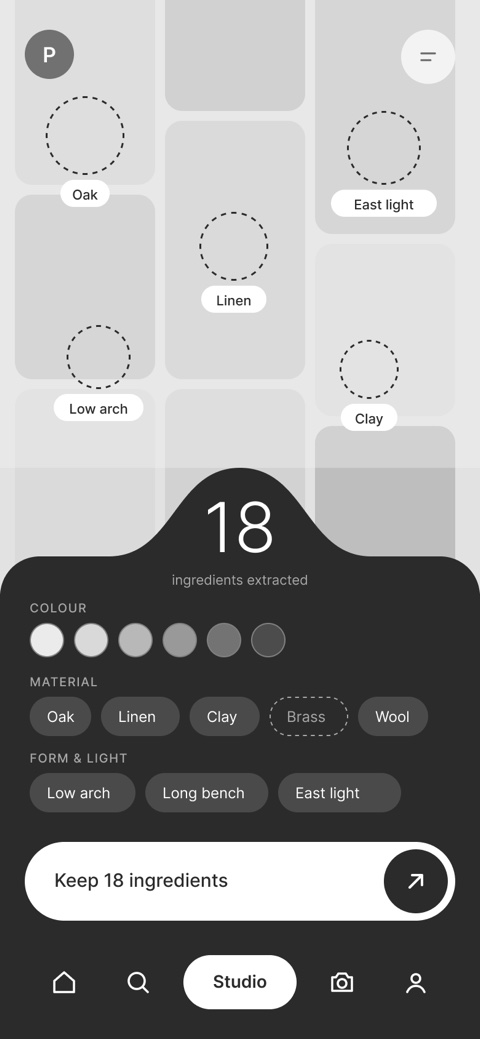
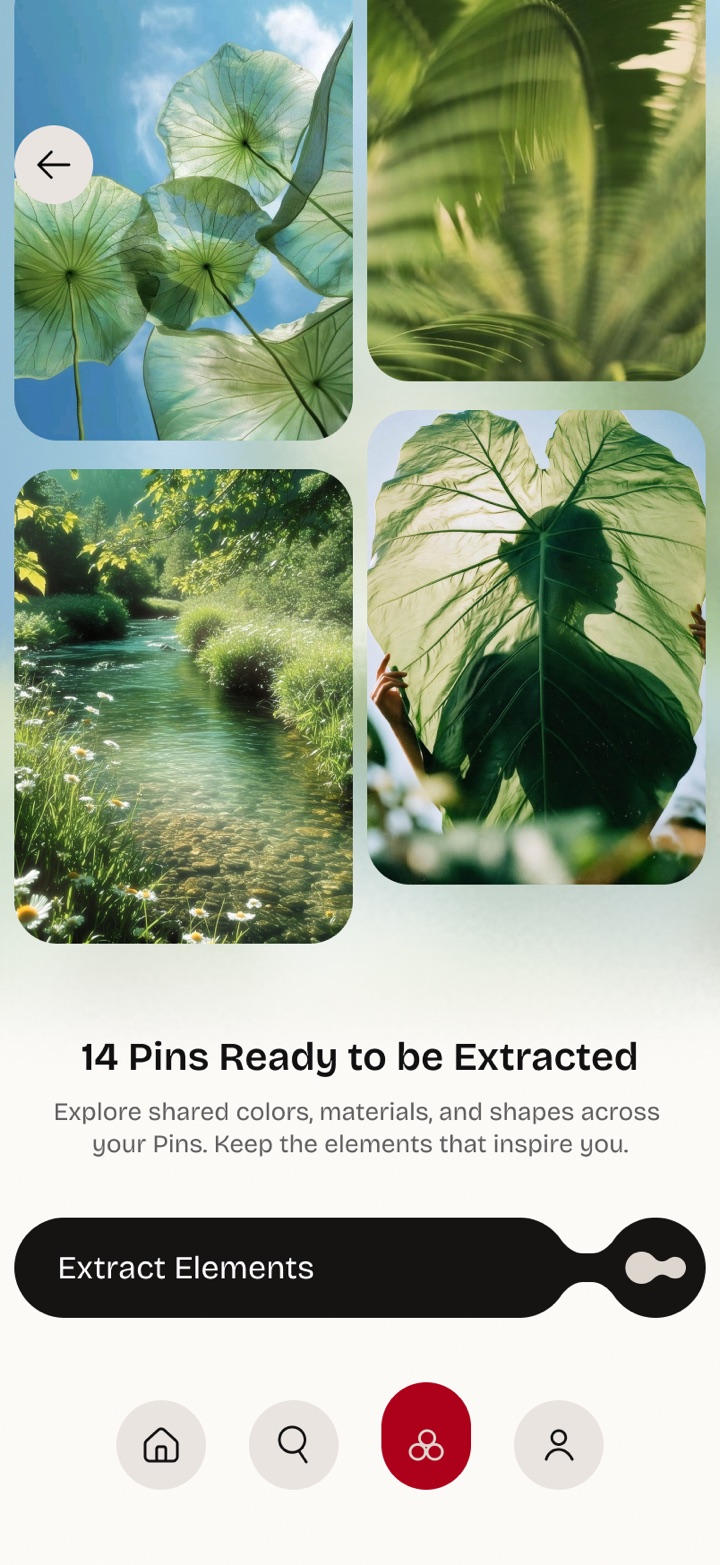
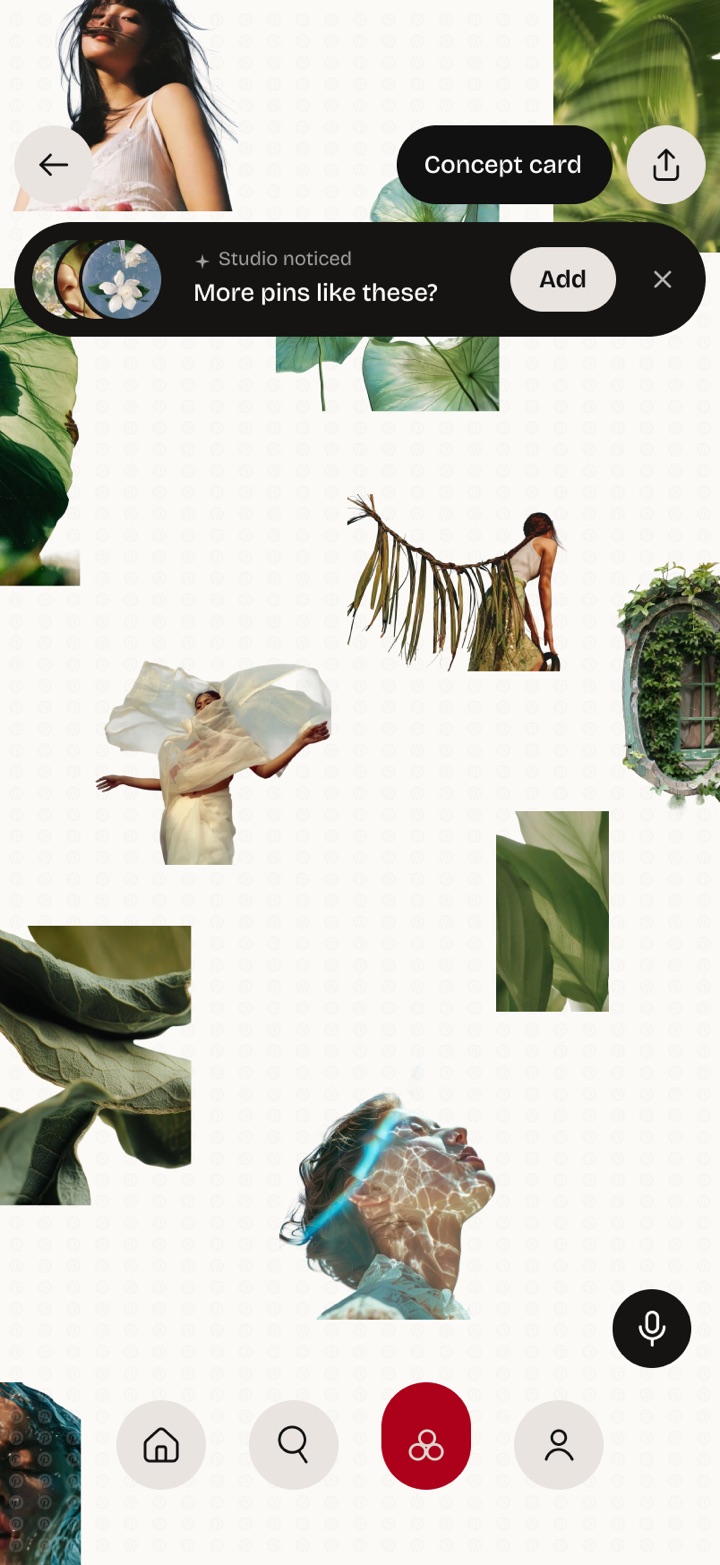
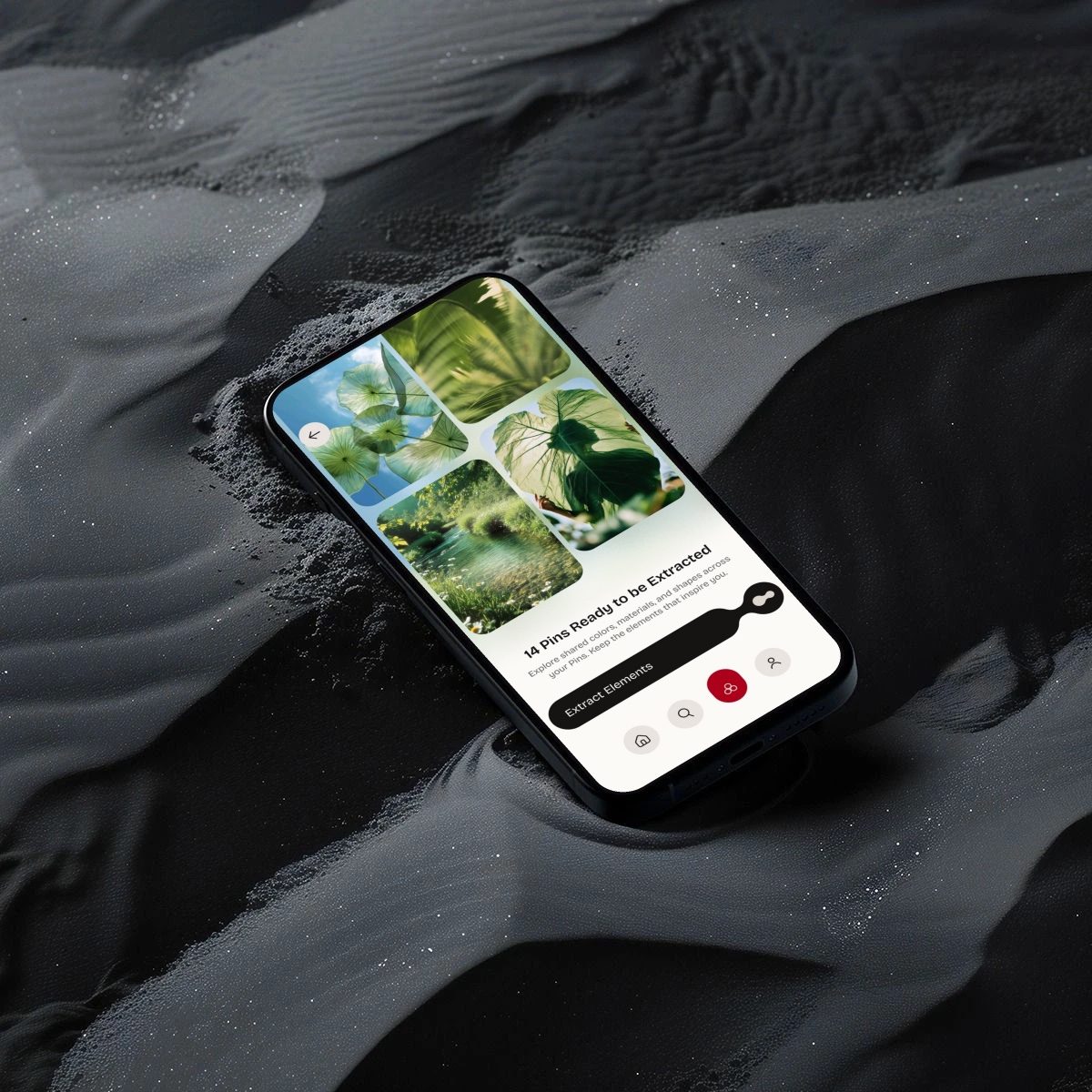
New users browse live projects instead of a tutorial. One slide pulls the pieces out of every pin: shared colors, materials and shapes, ready to become material.
01 · Overview
Problem
Pinterest makes discovering and collecting ideas effortless, but users lack an integrated space to identify visual connections, develop concepts, and turn scattered Pins into actionable creative directions.
Solution
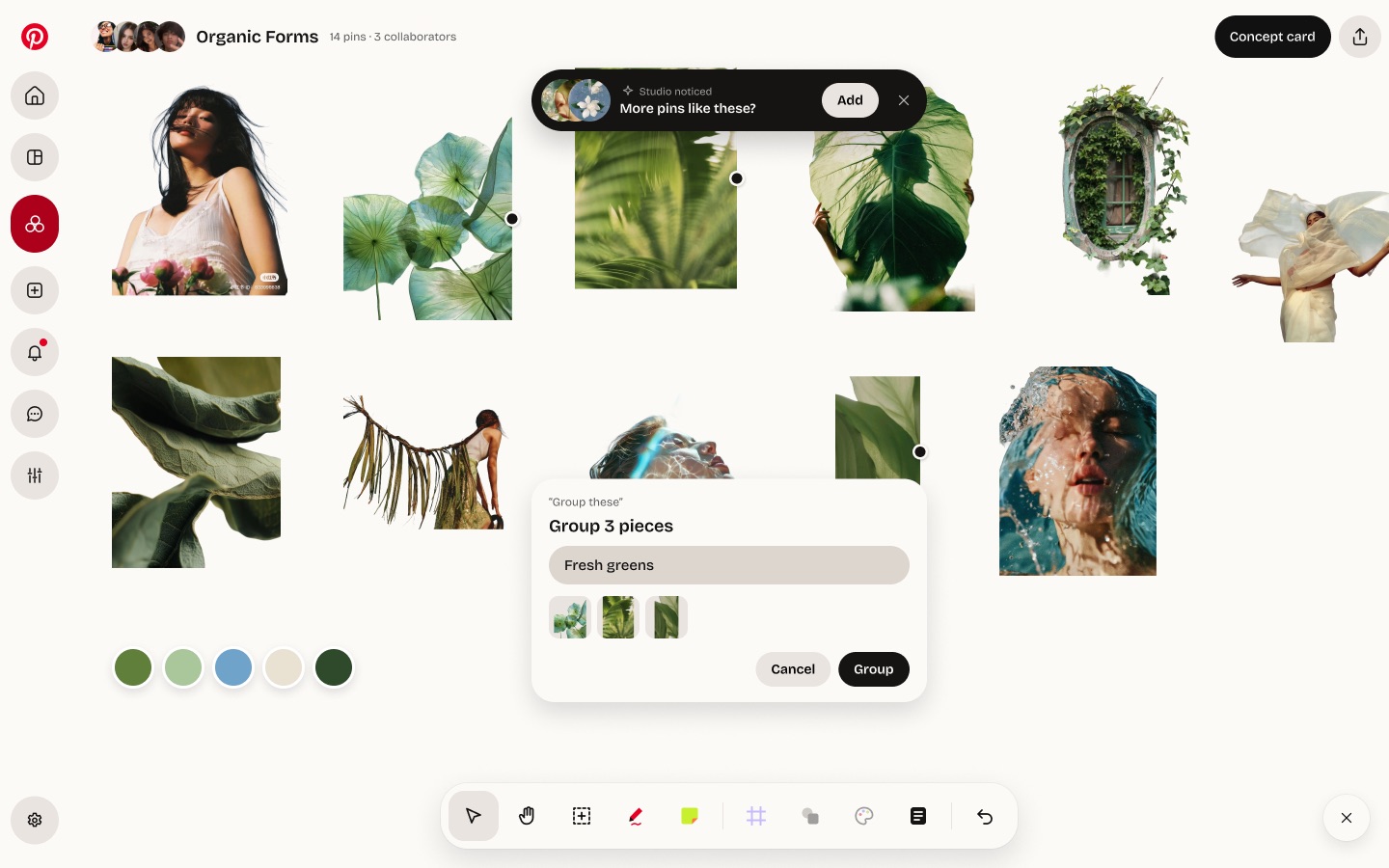
Pinterest Studio introduces a personalized, collaborative canvas that extracts shared colors, materials, textures, and shapes from saved Pins, helping users transform inspiration into cohesive creative directions.
Impact
Pinterest Studio could improve creative efficiency by 20–30%, based on comparable design tools. At 1% adoption, it could save an estimated 661,000 hours across creative projects.
Get started
New users browse live projects instead of a tutorial. One slide pulls the pieces out of every pin: shared colors, materials and shapes, ready to become material.
Build the board
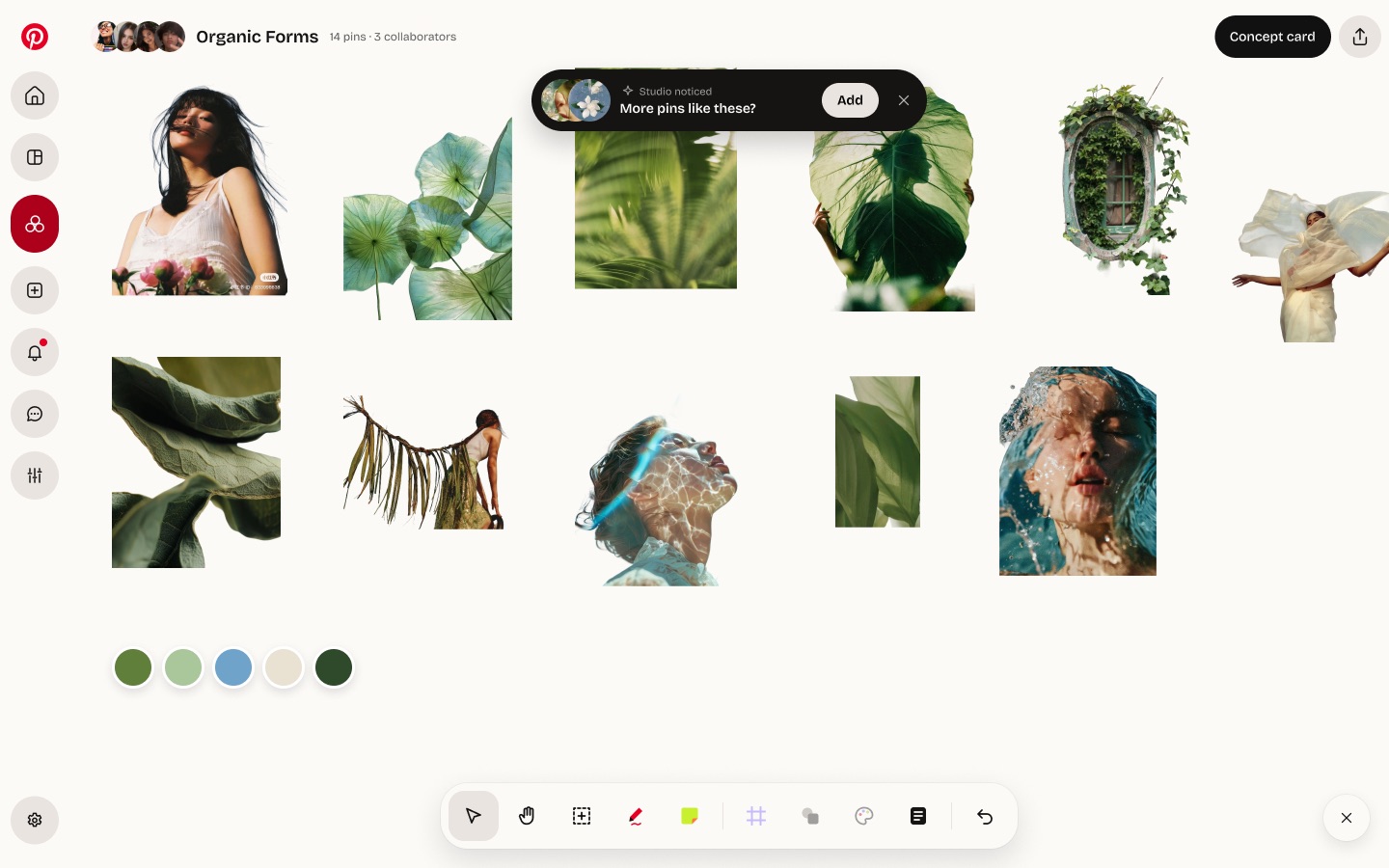
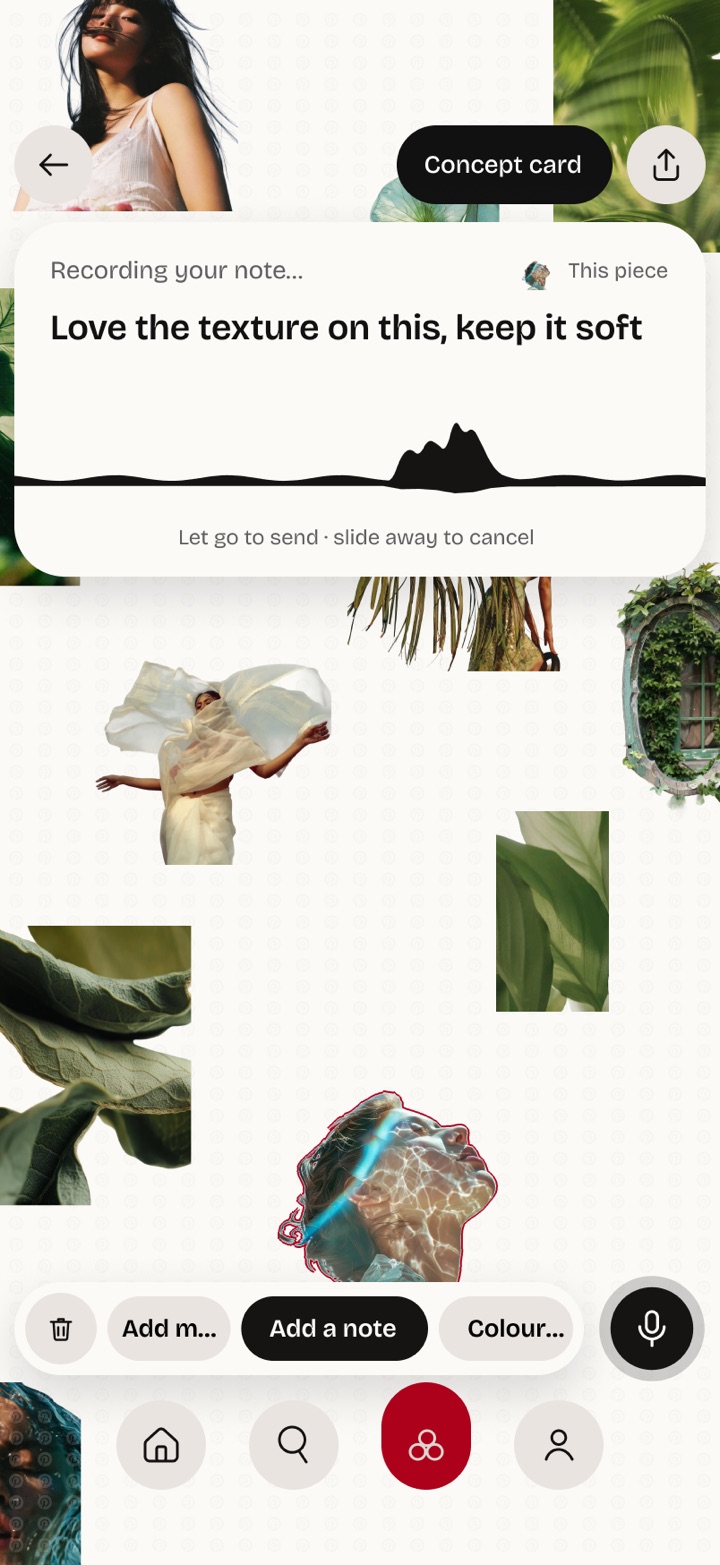
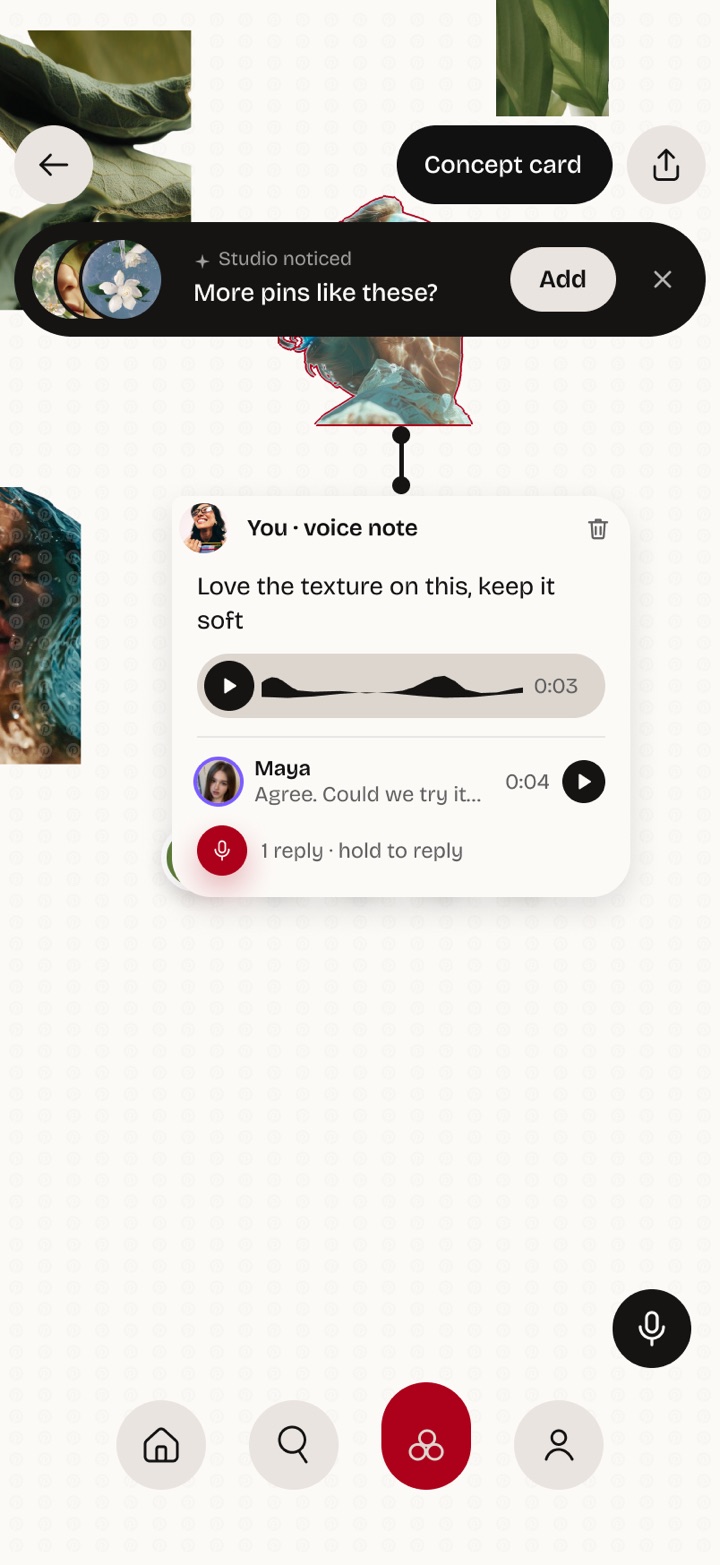
Cut-outs you can layer, merge and pull apart. Studio suggests pins that fit, and you hold the mic to leave a voice note right on the piece you mean.
Shape the idea
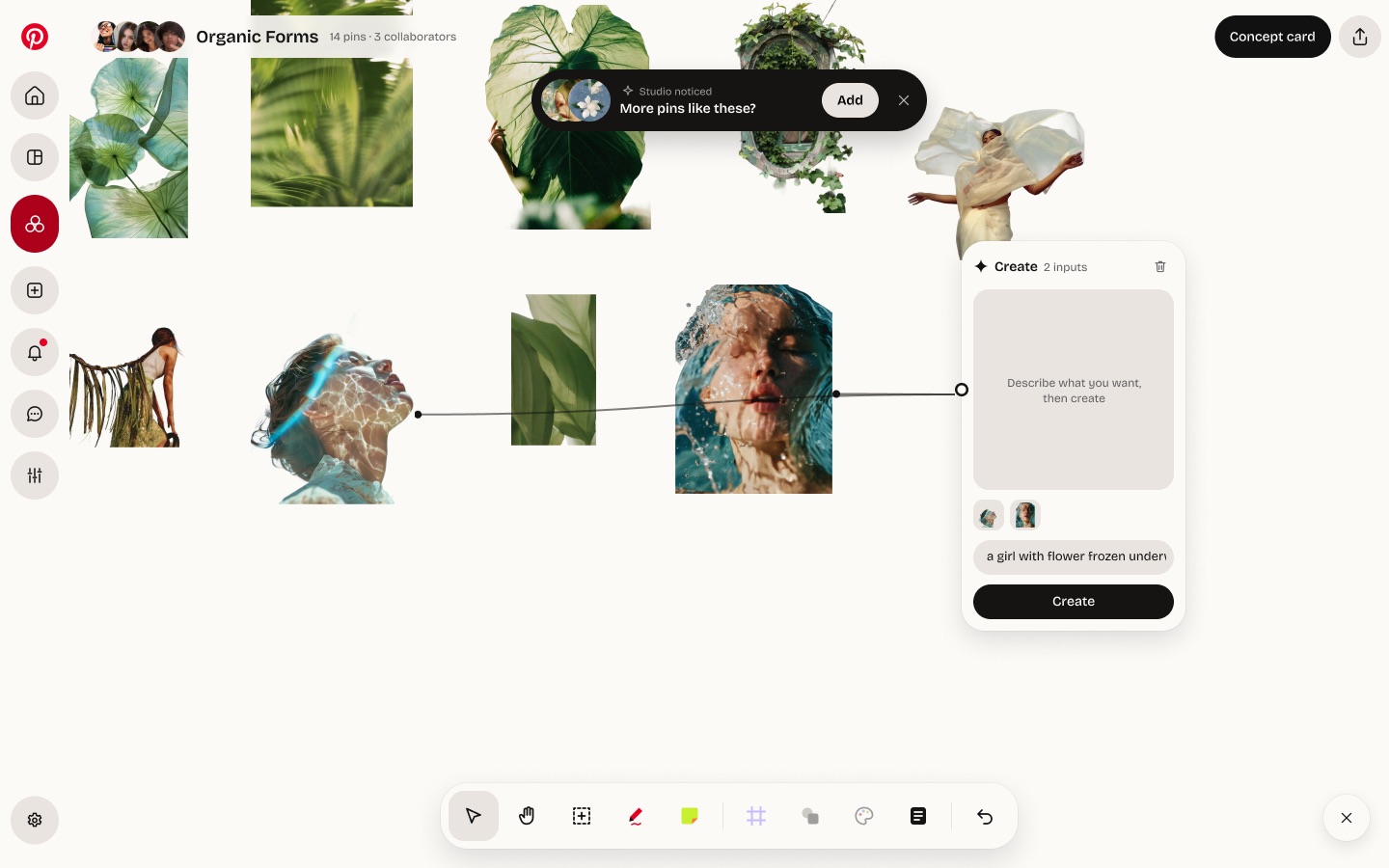
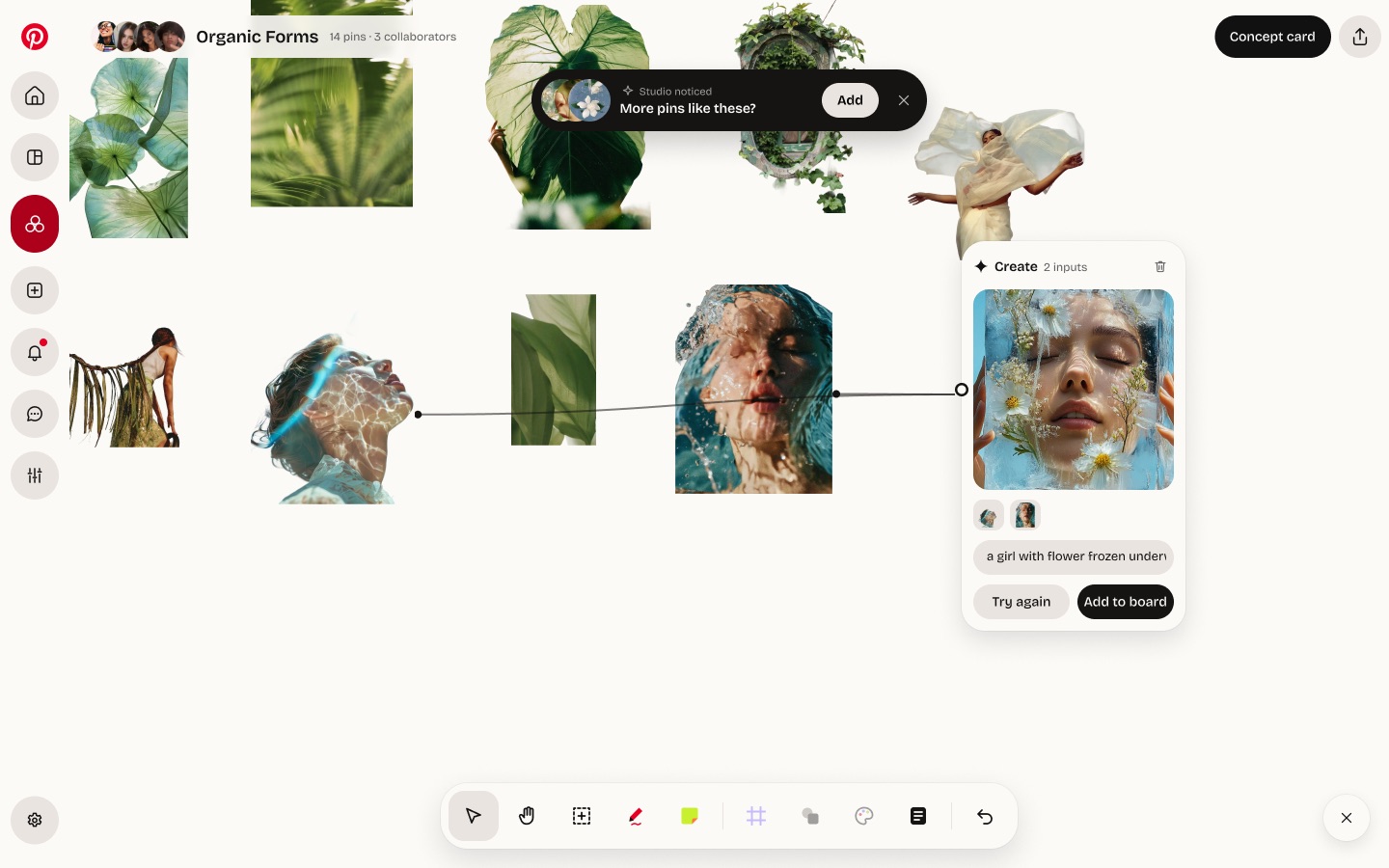
Wire pieces together and describe what you want to make something new, or gather them into one idea. Studio reads the colours and materials as you go.
Distil
One page turns a board into a brief: colour, material, texture and intent, ready to share or download.
Stay in the loop
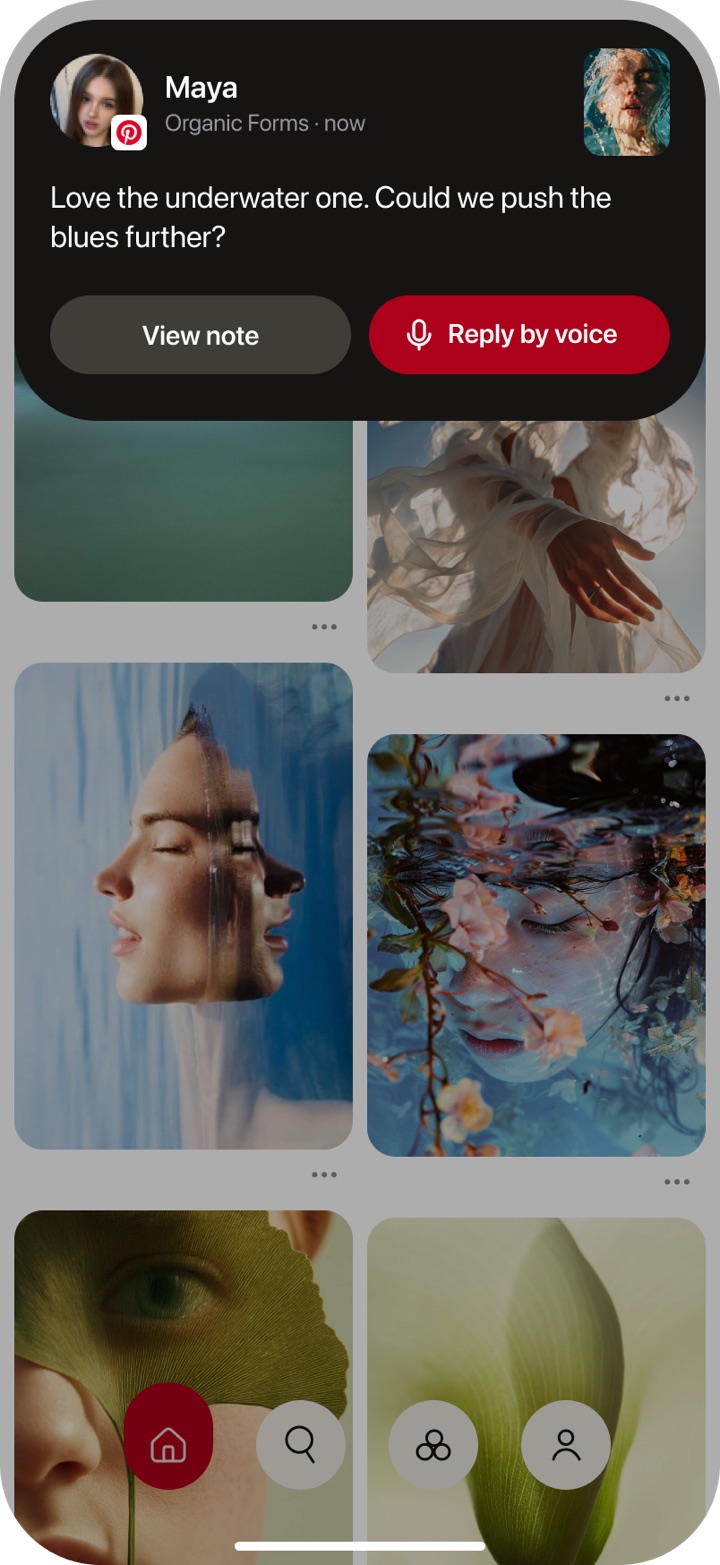
Notes reach you on the lock screen, live on the board, and in the Dynamic Island, so the project stays warm between sessions.
03 · The Problem
Guided by Pinterest
Left alone
What people say
“I don’t even realise when I’m plagiarising on Pinterest, because it’s so easy to look at a Pin and create something similar.”
05 · Problem Statement
Pinterest makes discovering and saving inspiration effortless, but lacks the tools to help users connect ideas and turn their growing collections into meaningful creations.
06 · Landscape Comparison
70%
of new users aren’t designers
Figma CEO via Fast Company, 2022
240M
whiteboards made on Canva
Canva, 2024
10M+
images saved every month
Cosmos, 2025
Studio brings the best of each into Pinterest.
07 · Takeaways
Transform saved inspiration into actionable ideas through intuitive creative tools.
Introduce flexible layouts and interactive experiences that encourage creative freedom.
Empower users and creators to connect, collaborate, and build ideas together.
08 · Moodboard Directions
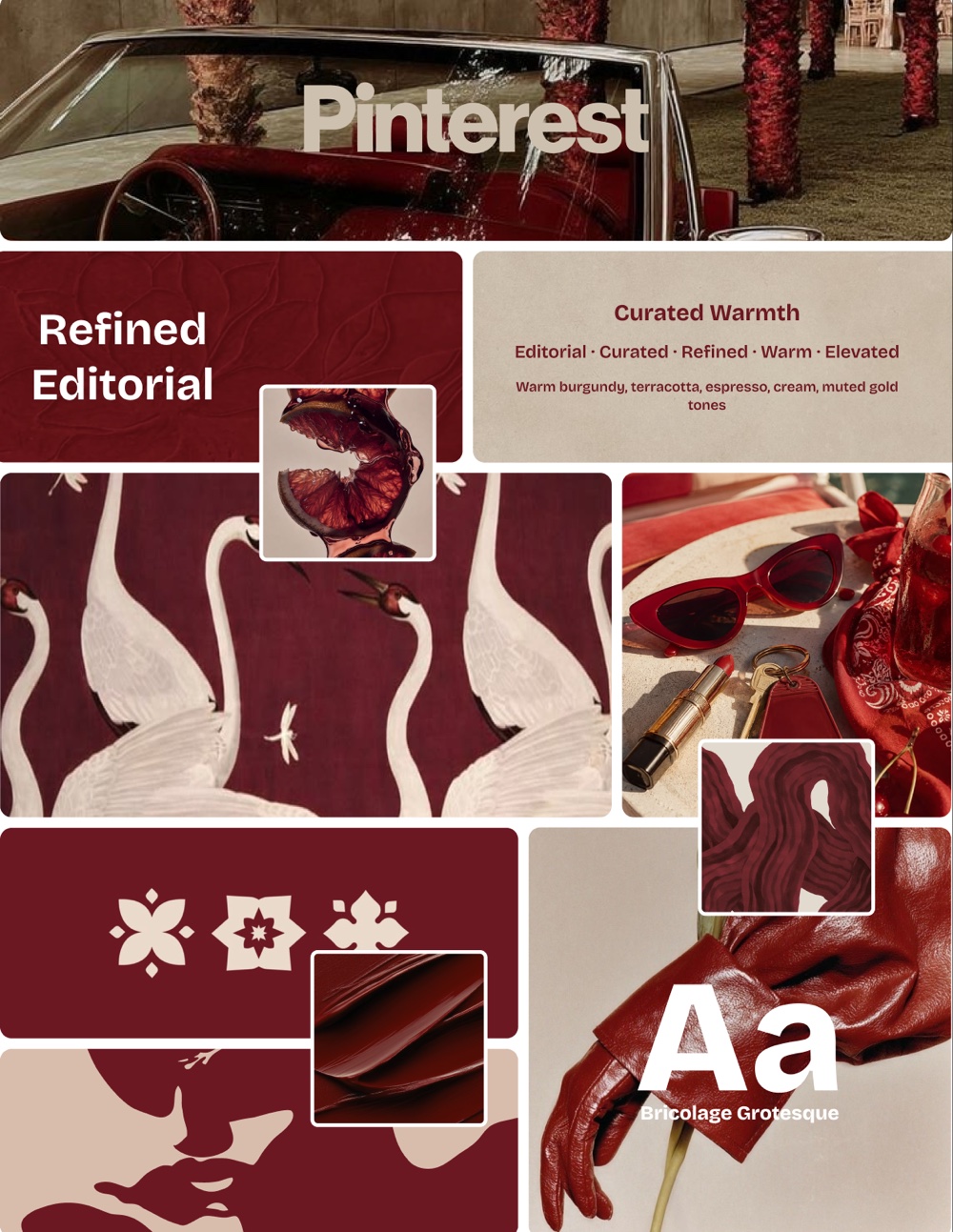
Editorial, curated, refined, warm and elevated. Warm burgundy, terracotta, espresso, cream and muted gold.
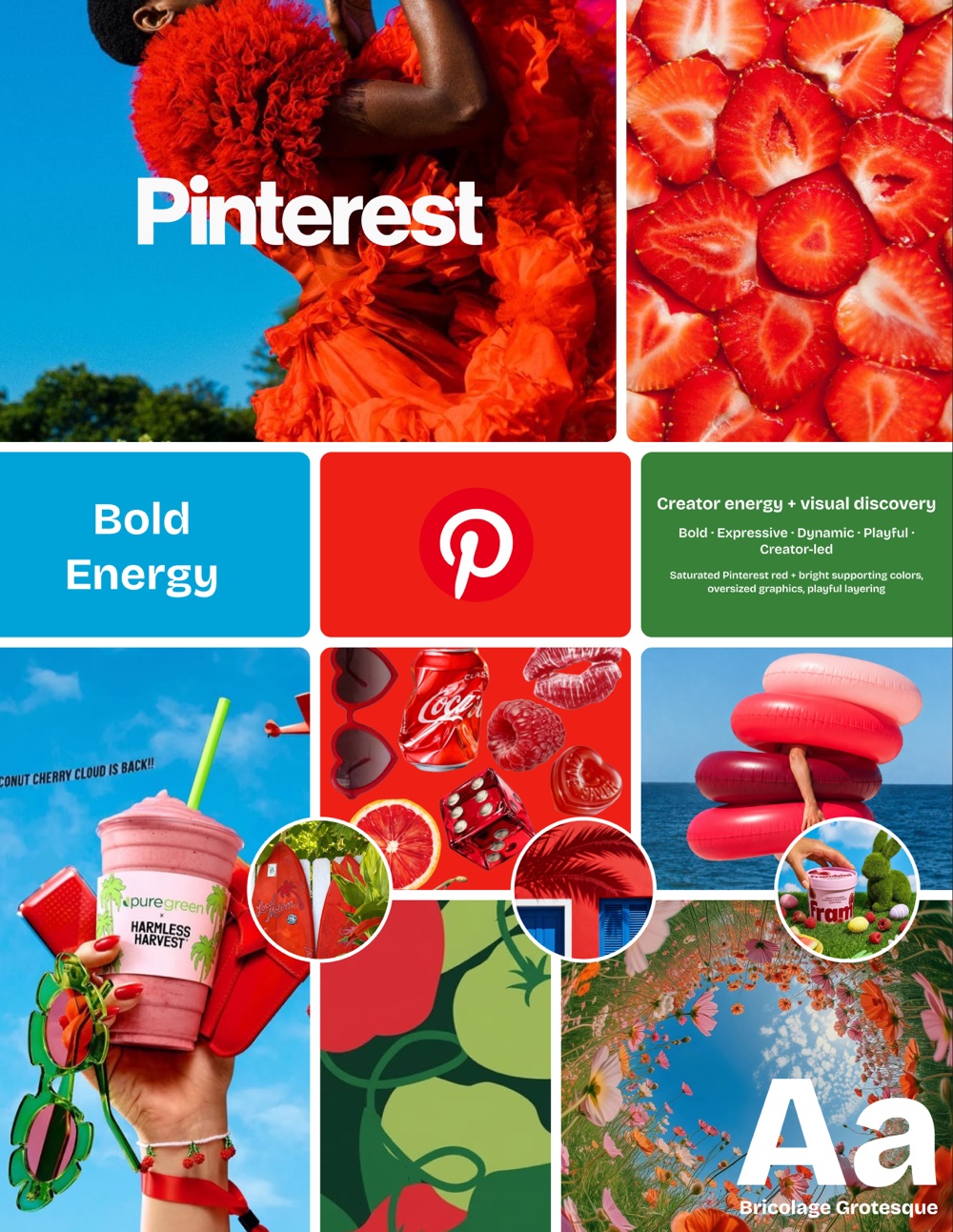
Bold, expressive, dynamic, playful and creator-led. Saturated Pinterest red with bright supporting colours and playful layering.
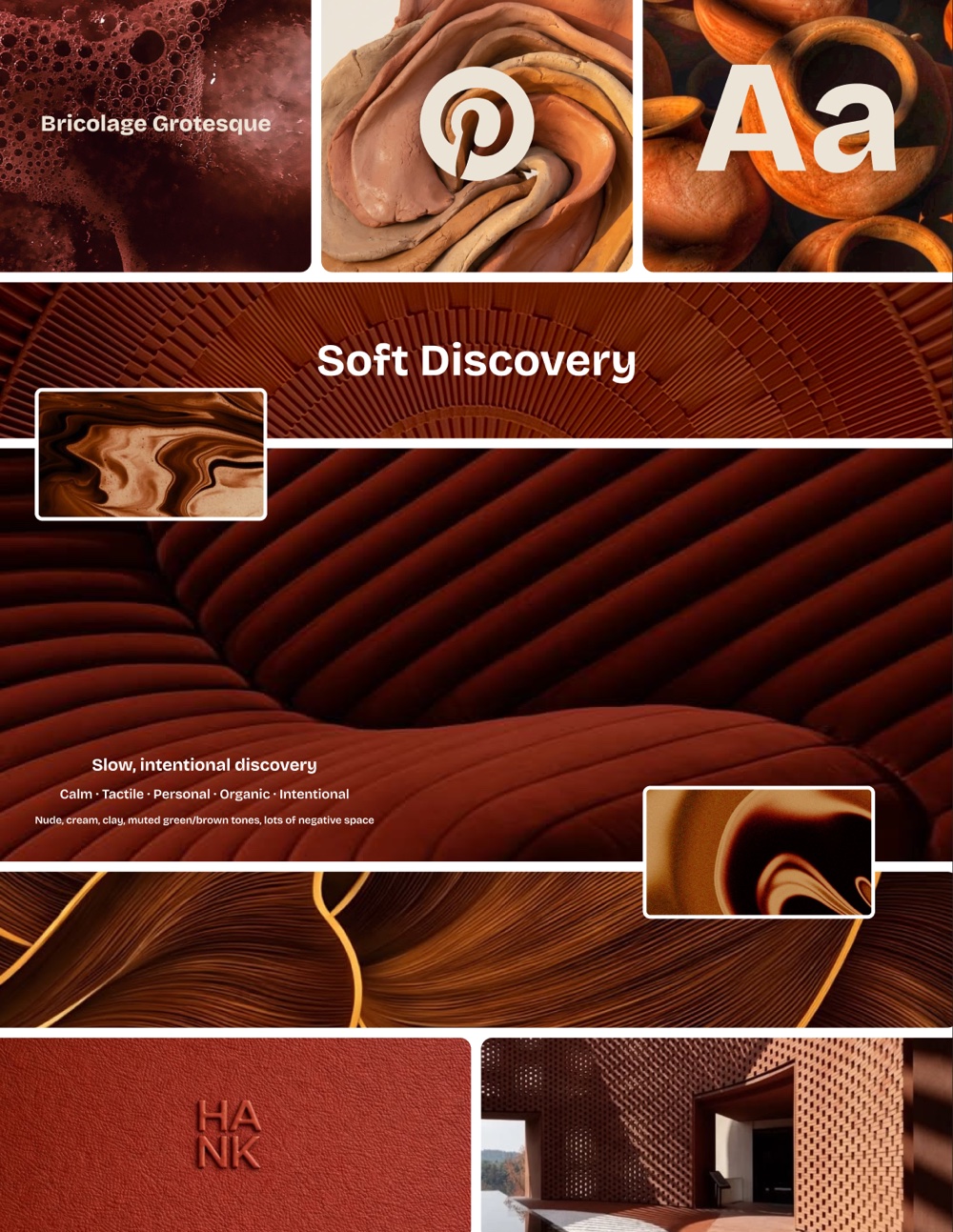
Calm, tactile, personal, organic and intentional. Nude, cream and clay tones with generous negative space.
09 · Final Moodboard
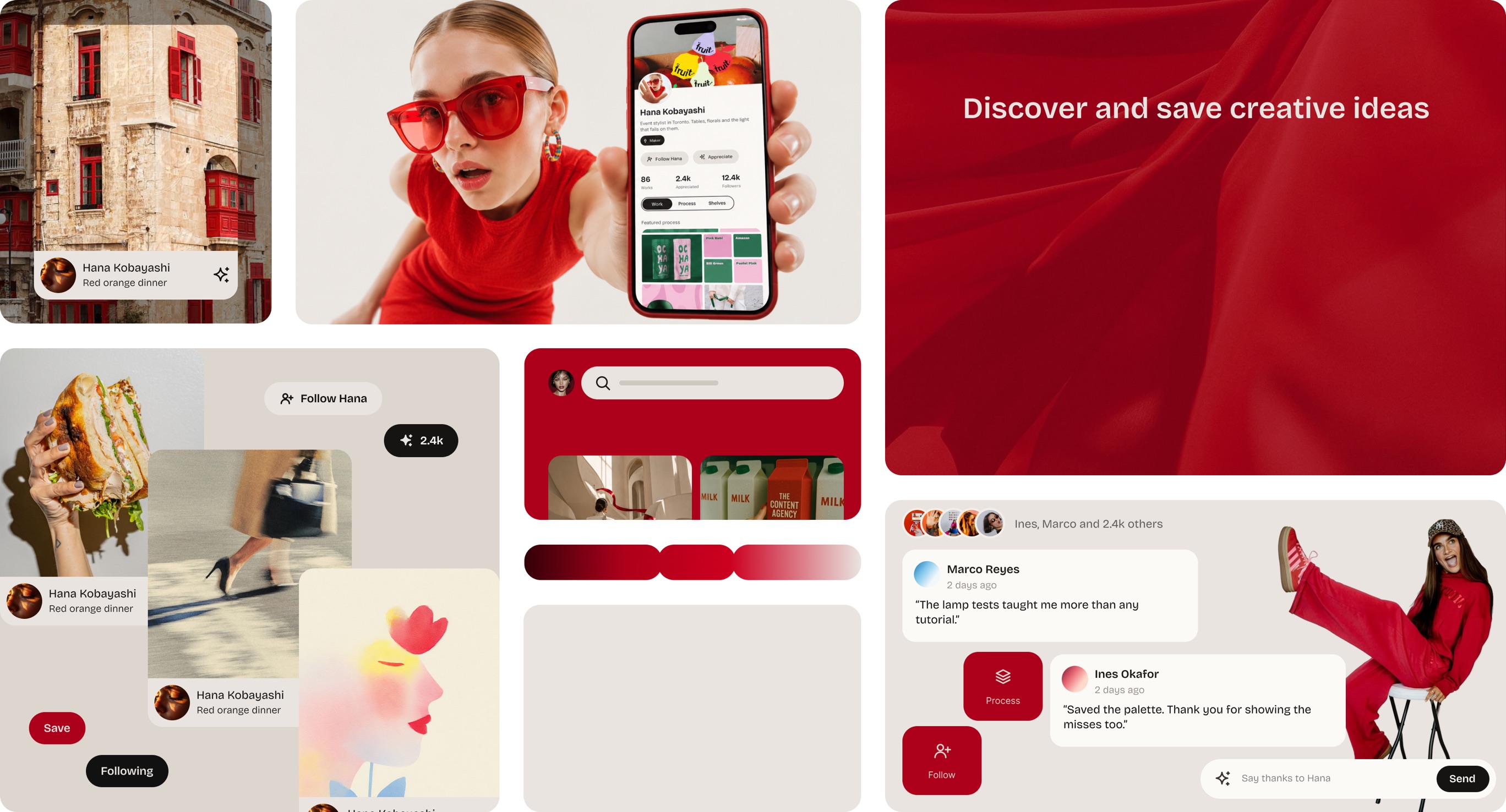
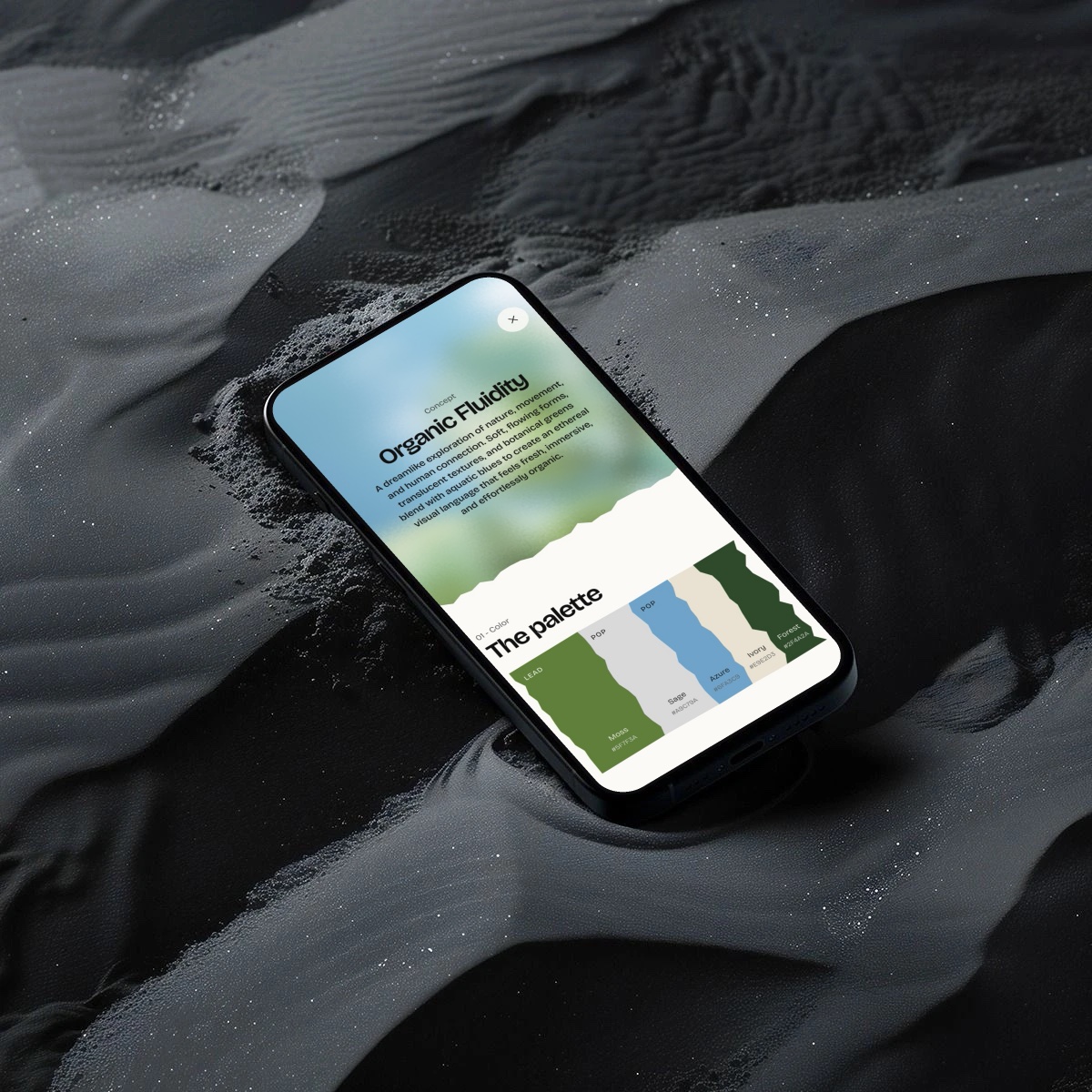
A quiet, warm, neutral interface so creators’ work stays the loudest thing on screen.
Red, colour and motion appear only when a creator is credited, saved or pinned.
10 · Low to High Fidelity
01
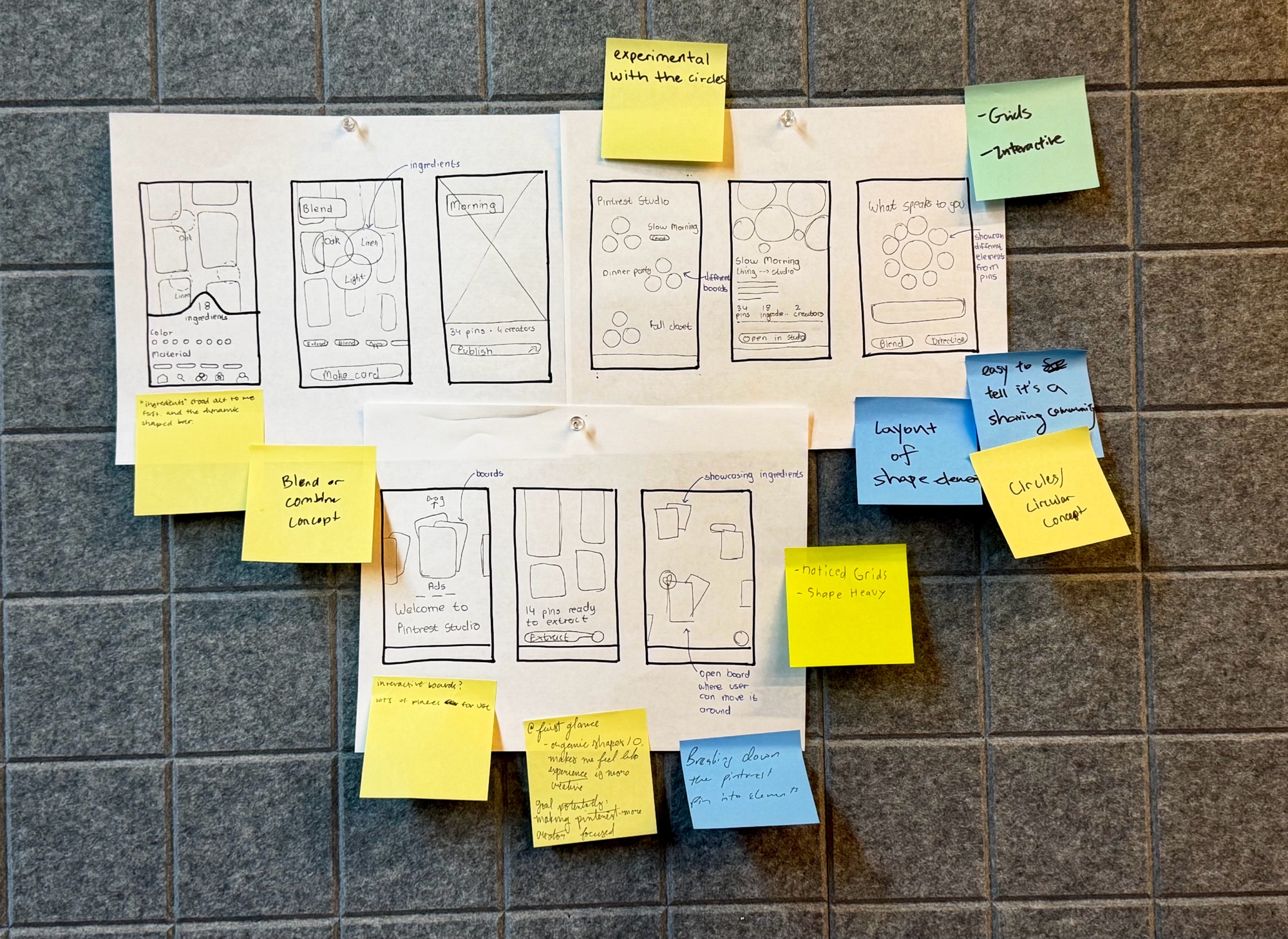
Paper layouts for Studio, pinned up and marked with sticky notes.
02
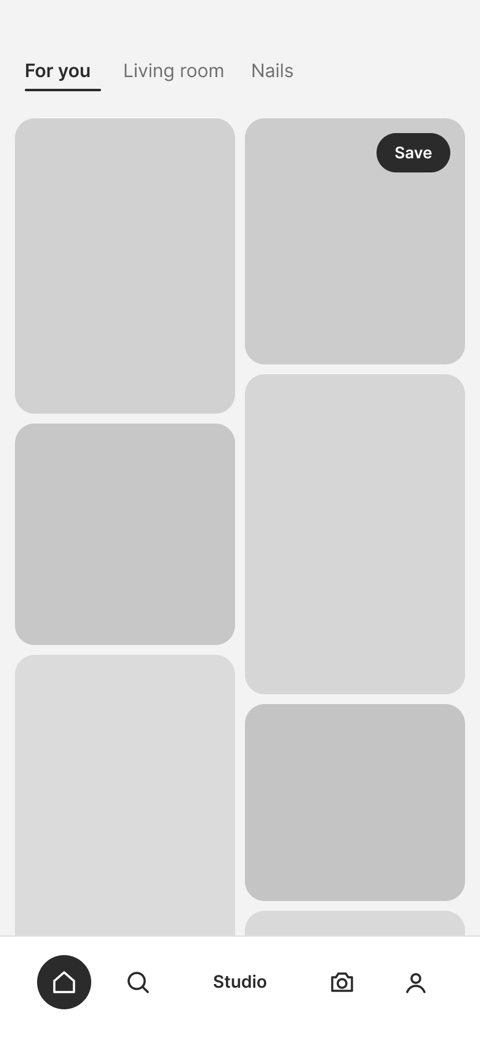
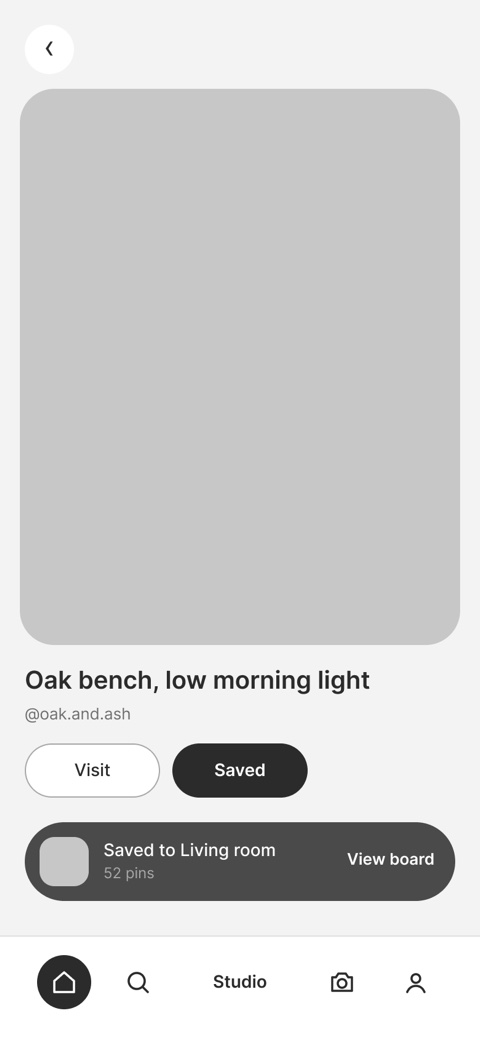
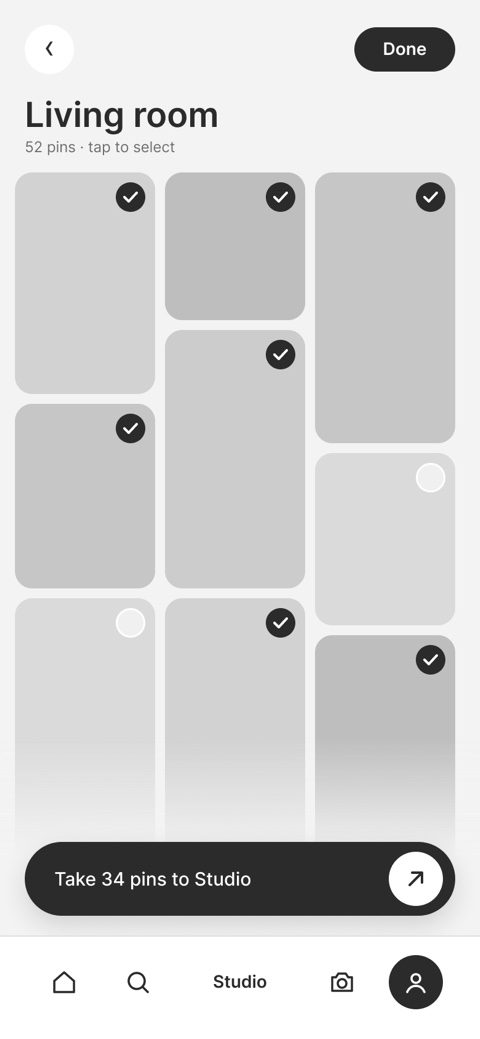
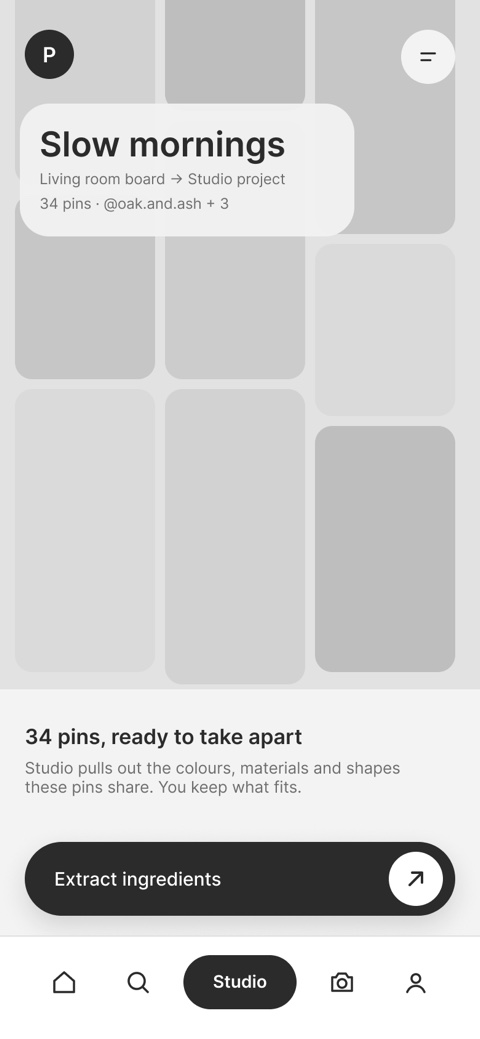
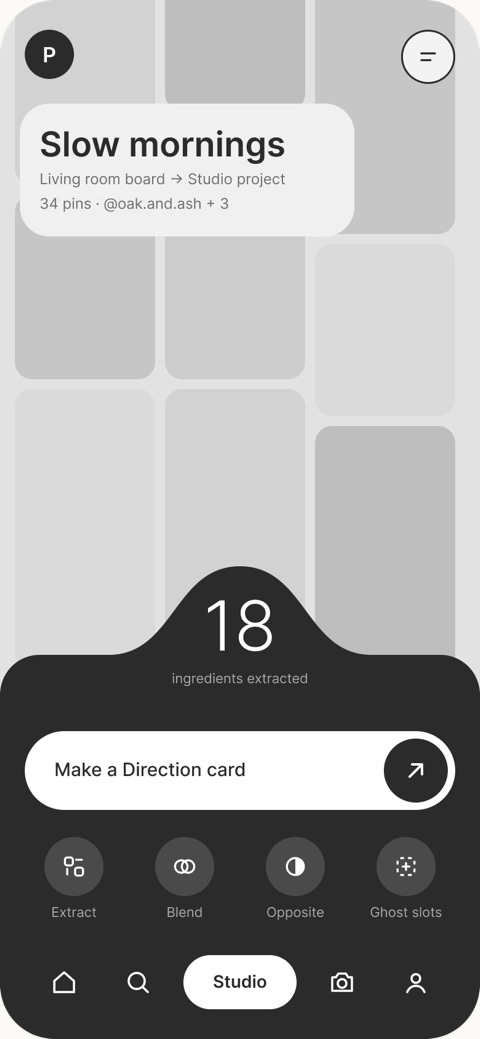
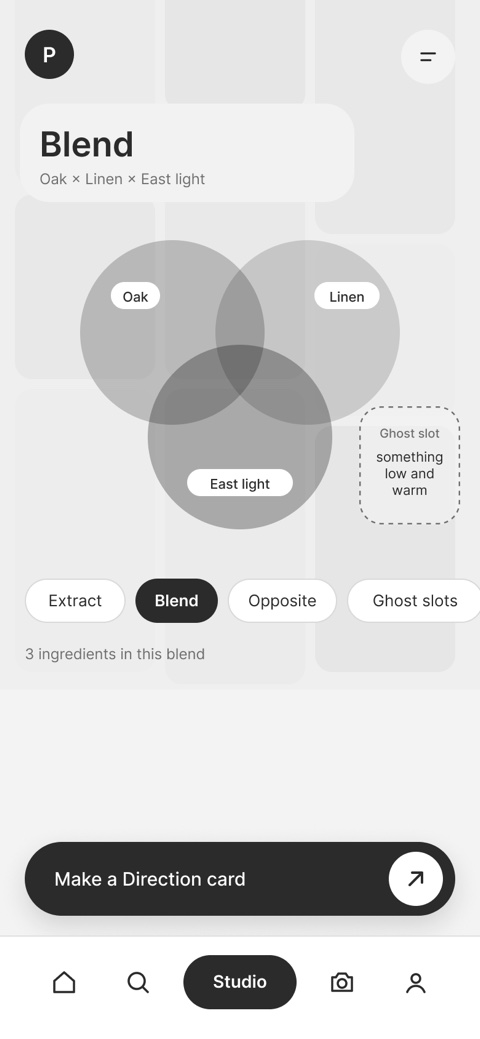
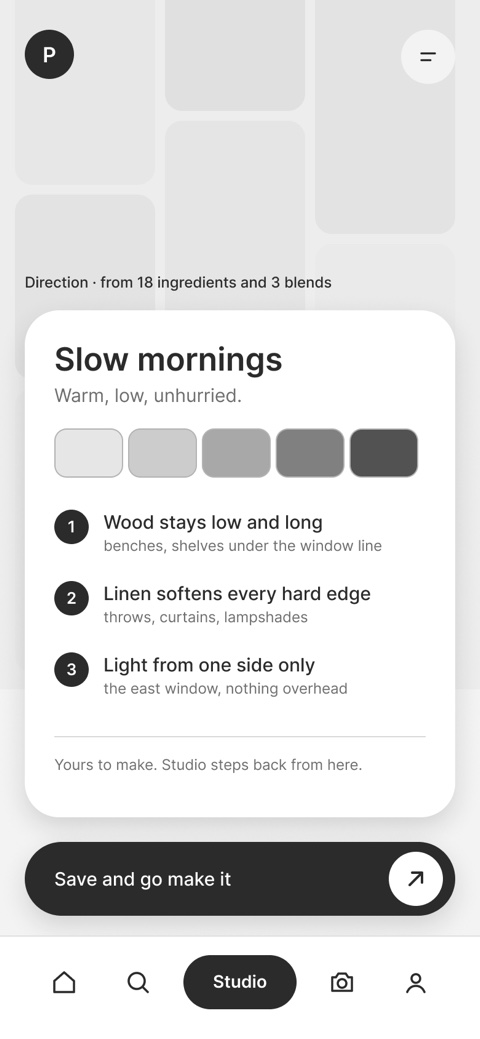
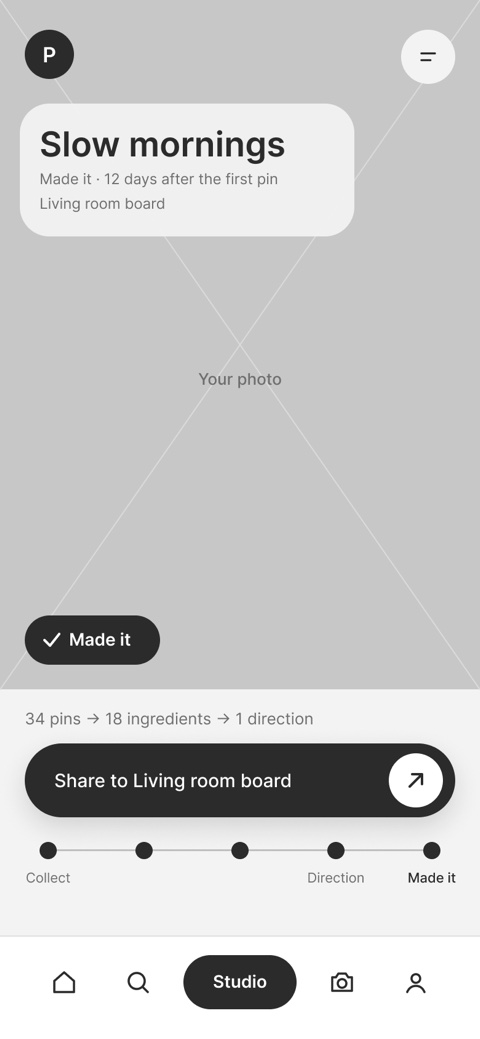
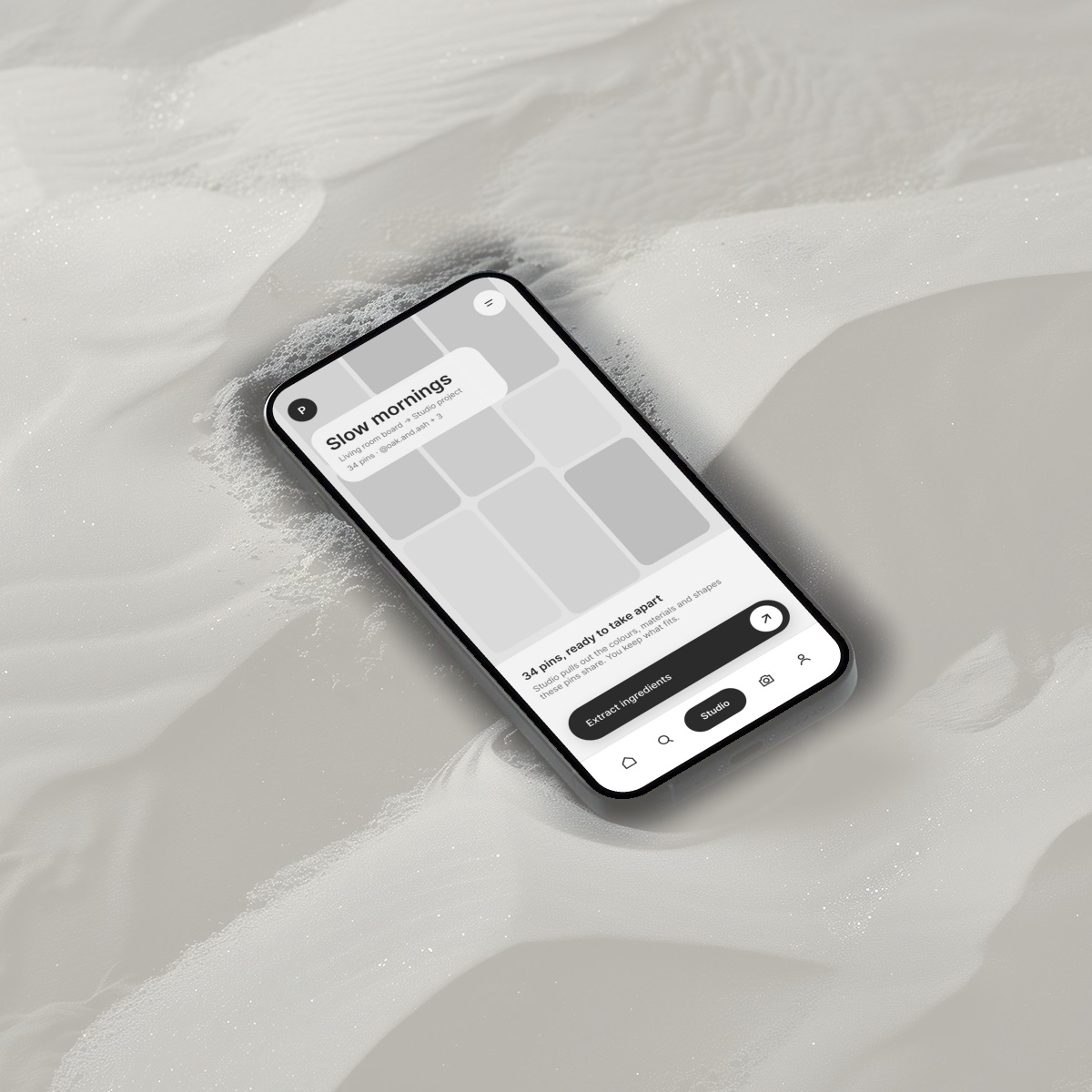
A greyscale flow in ten steps, from saving a pin to a direction card.
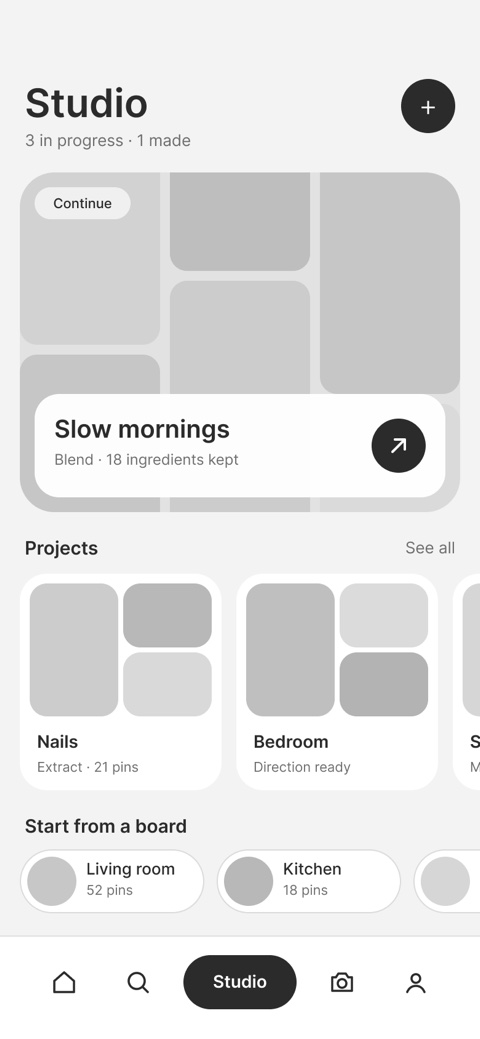
03
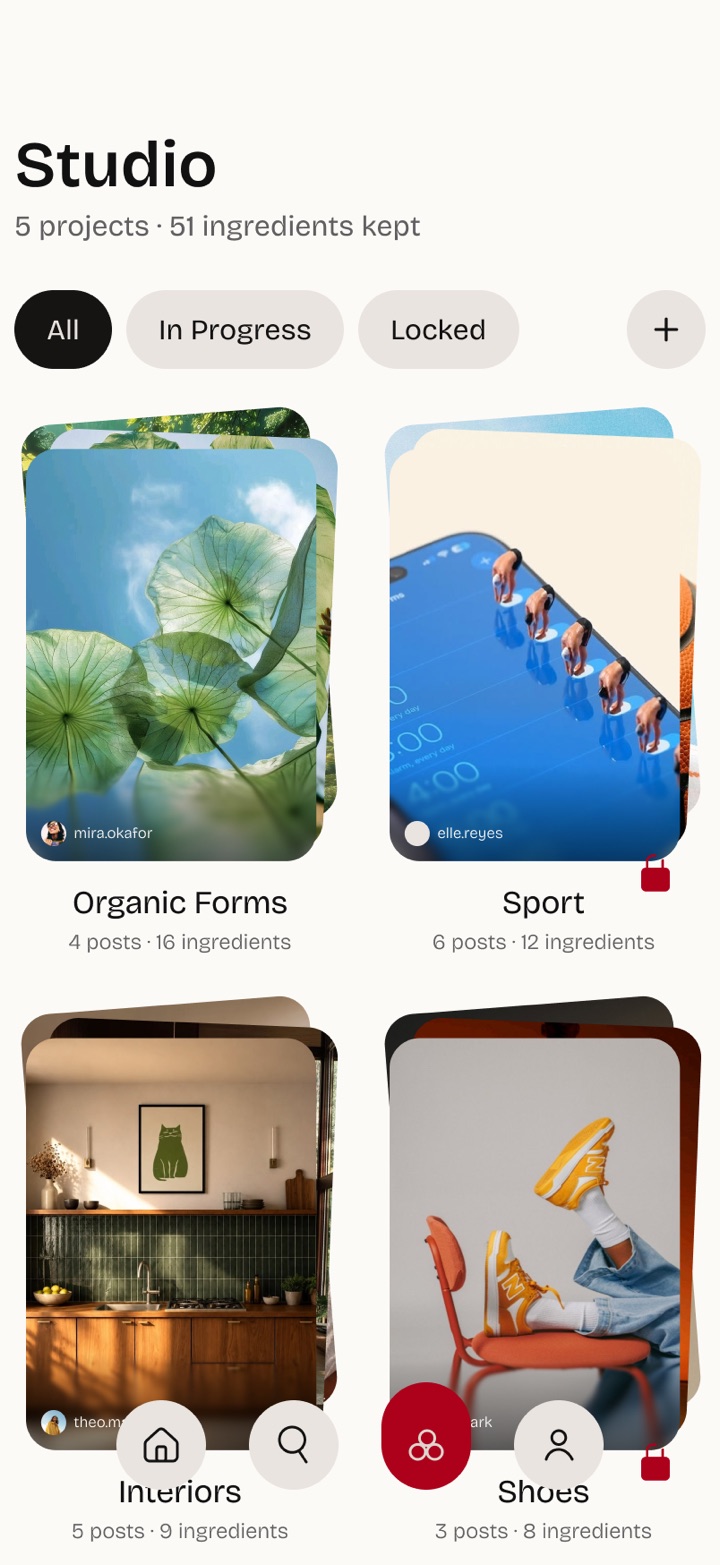
The polished screens on mobile and web, in Studio’s warm neutrals with Pinterest red.
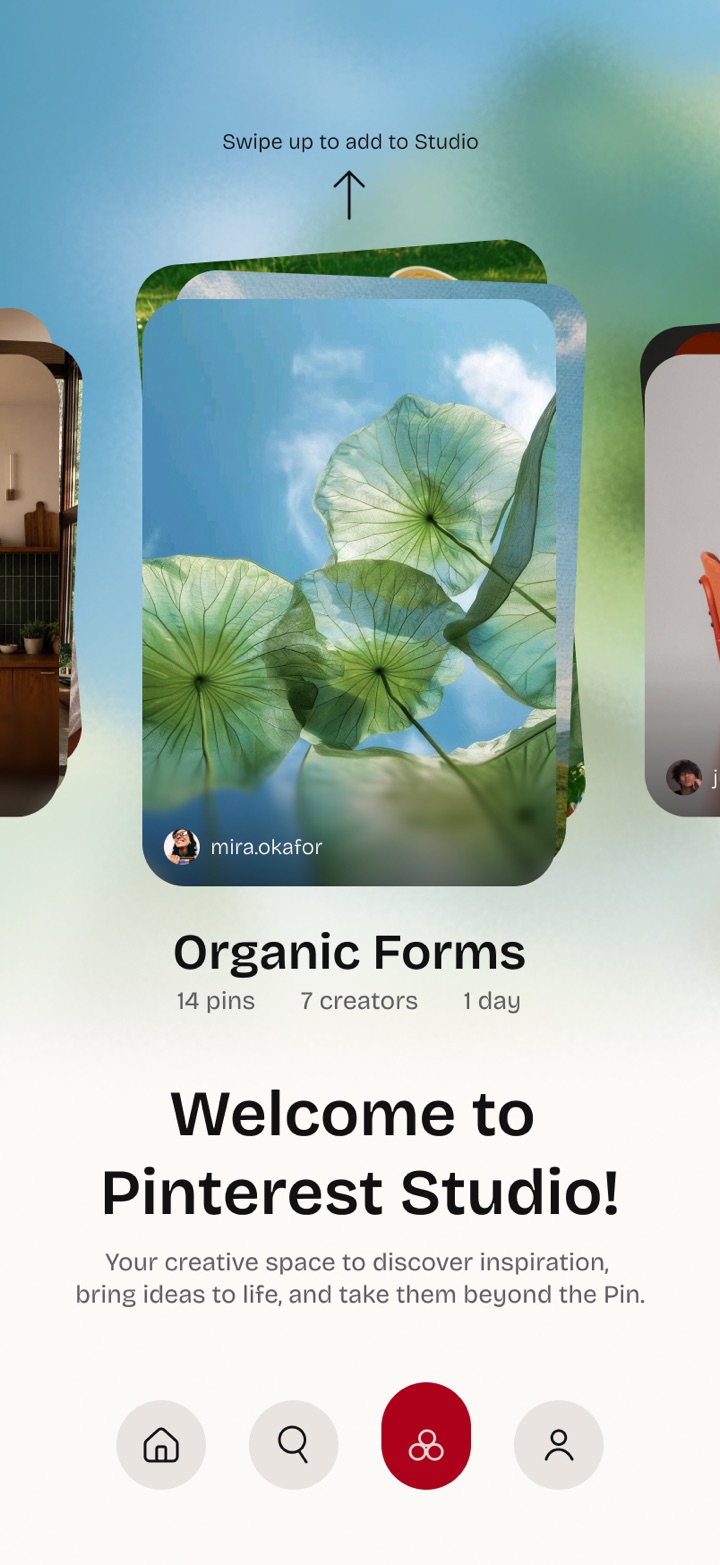
11 · Iterations After Testing
I ran moderated user testing with 15 participants who use Pinterest regularly. Here’s what changed.
An early grid of arched project cards.
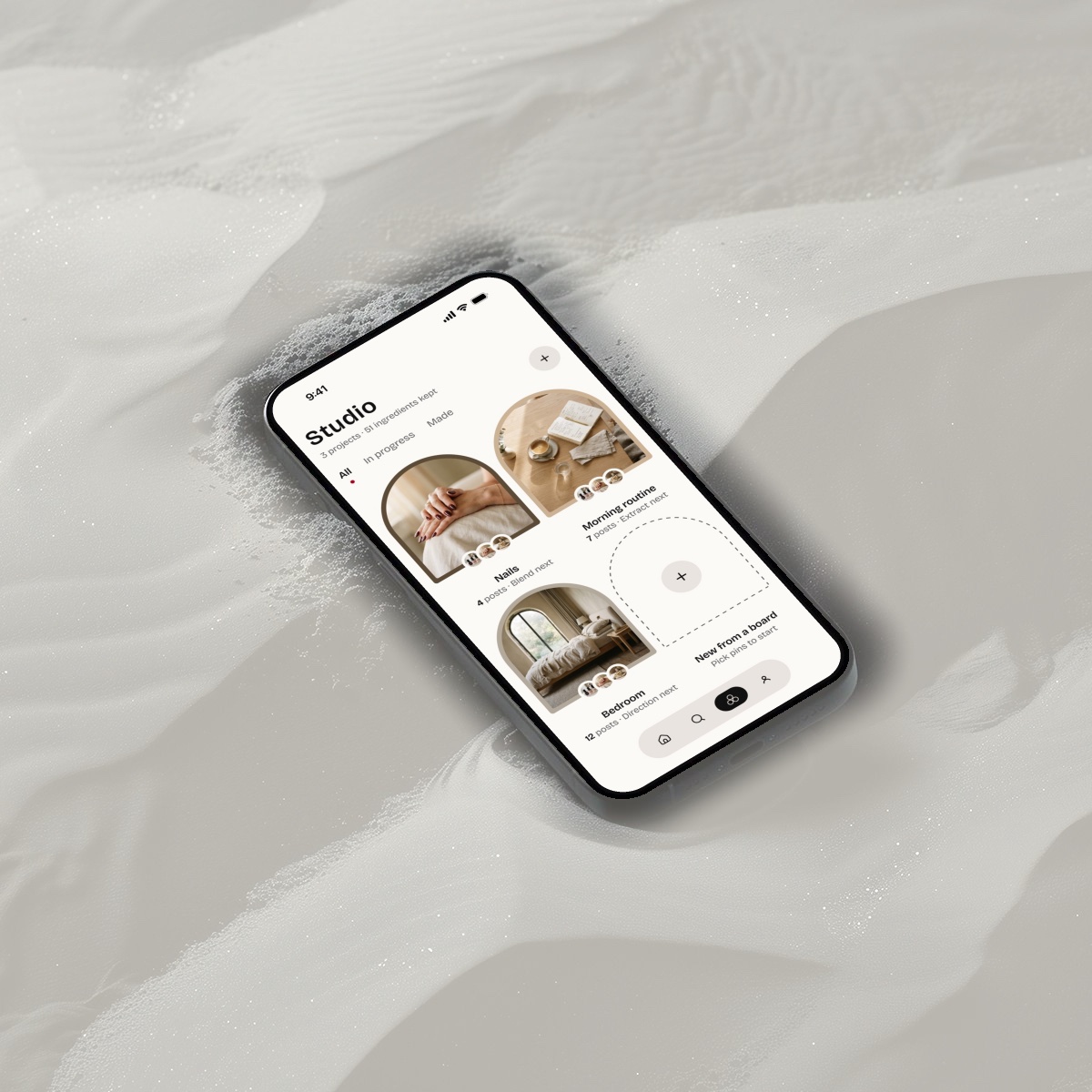
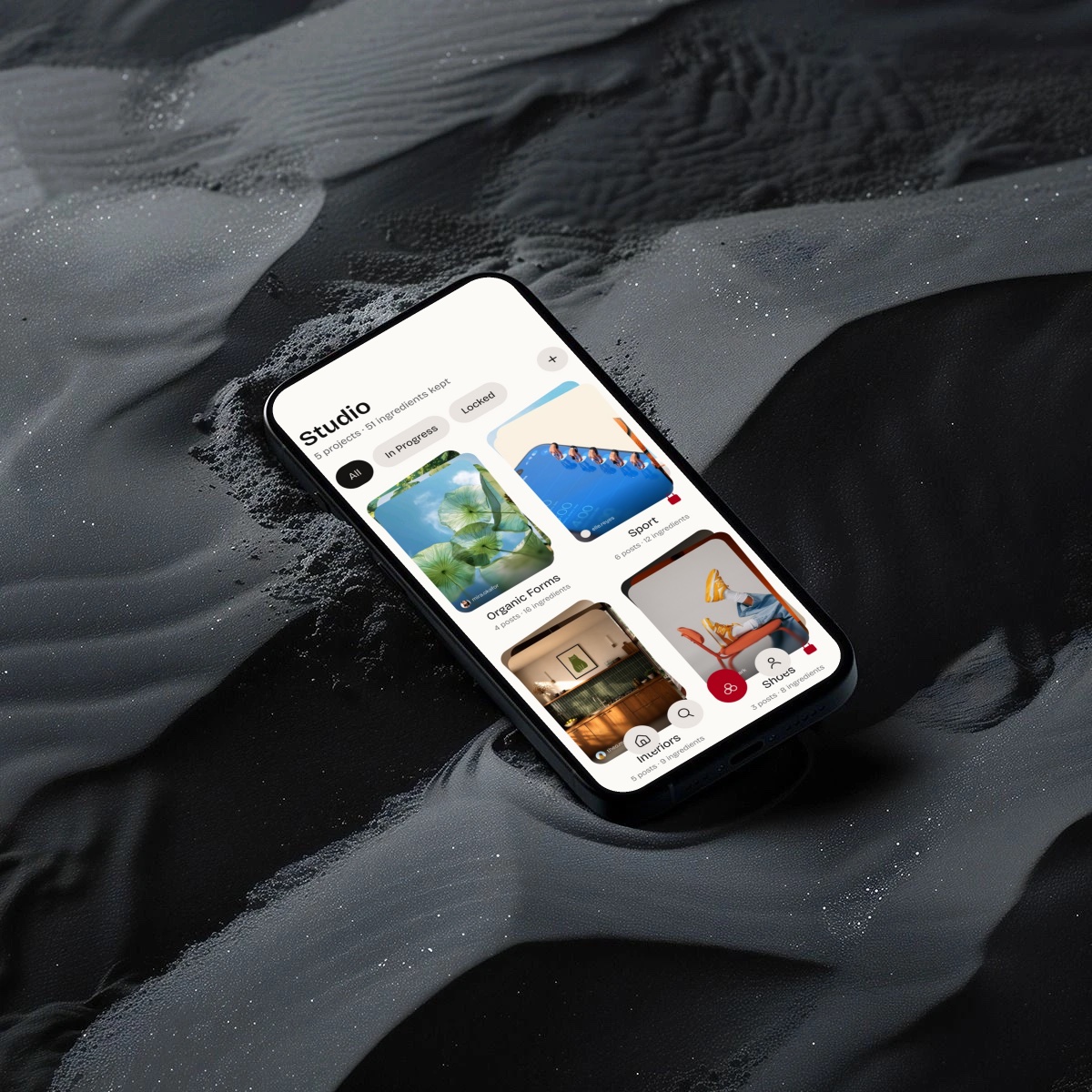
Every project and ingredient, counted, with filters by status.
The wireframe for turning saved pins into a project.
14 pins, ready to become material, and one slide to extract them.
The wireframe for summing up a board.
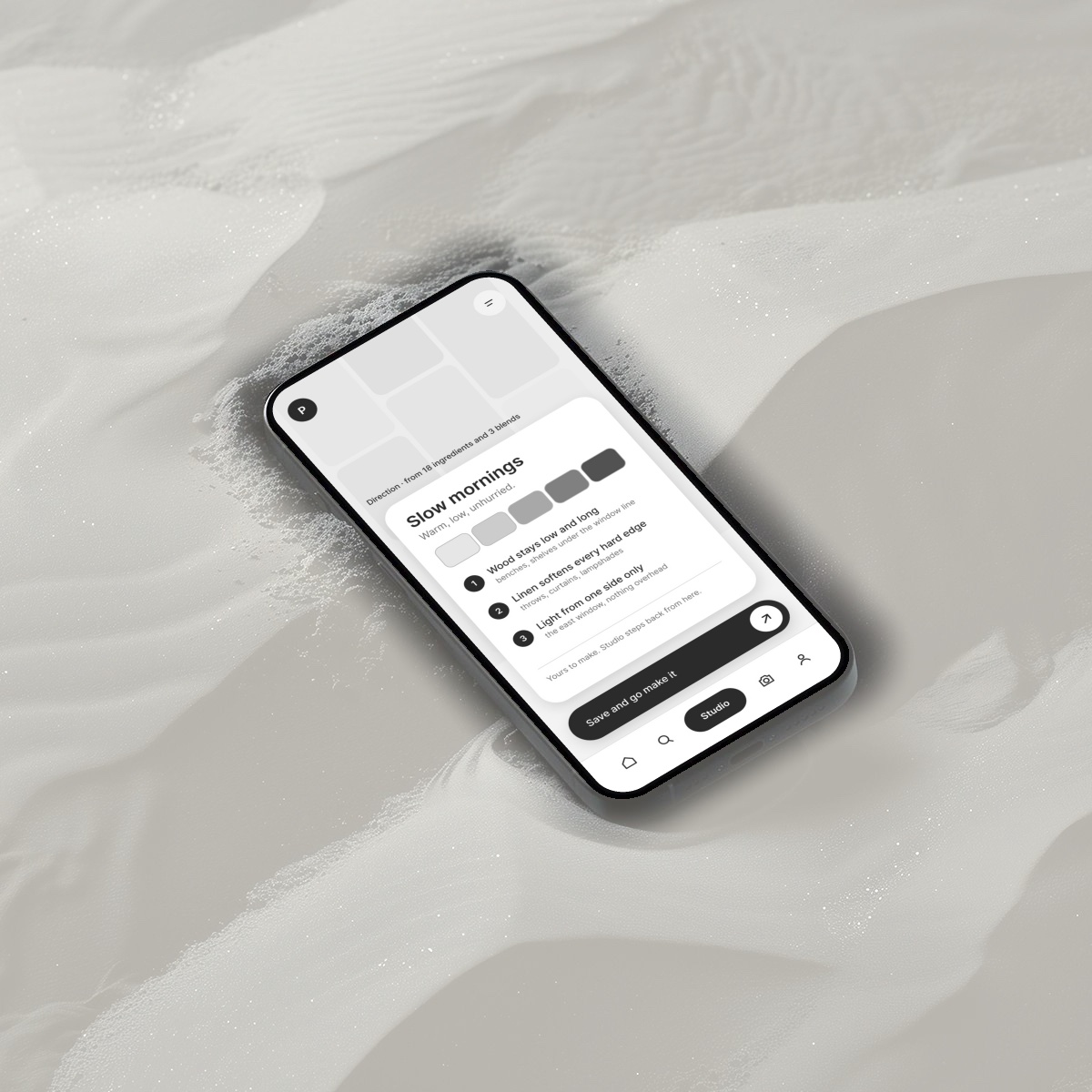
One page: palette, materials, textures, finish, a statement and a checklist.
12 · Learnings
01
I learned that discovery alone isn’t enough. A meaningful experience should help users move from finding inspiration to actually doing something with it.
02
I learned to use AI to reduce creative friction while keeping users in control of their choices, ensuring technology supports rather than replaces creativity.
03
I learned the importance of designing a seamless journey across mobile discovery, desktop creation, and creator collaboration rather than treating each interaction separately.

From saved,
to shaped.