01
Fleeing Home
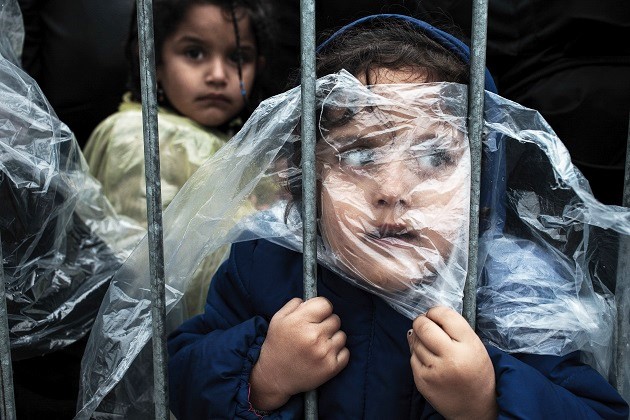
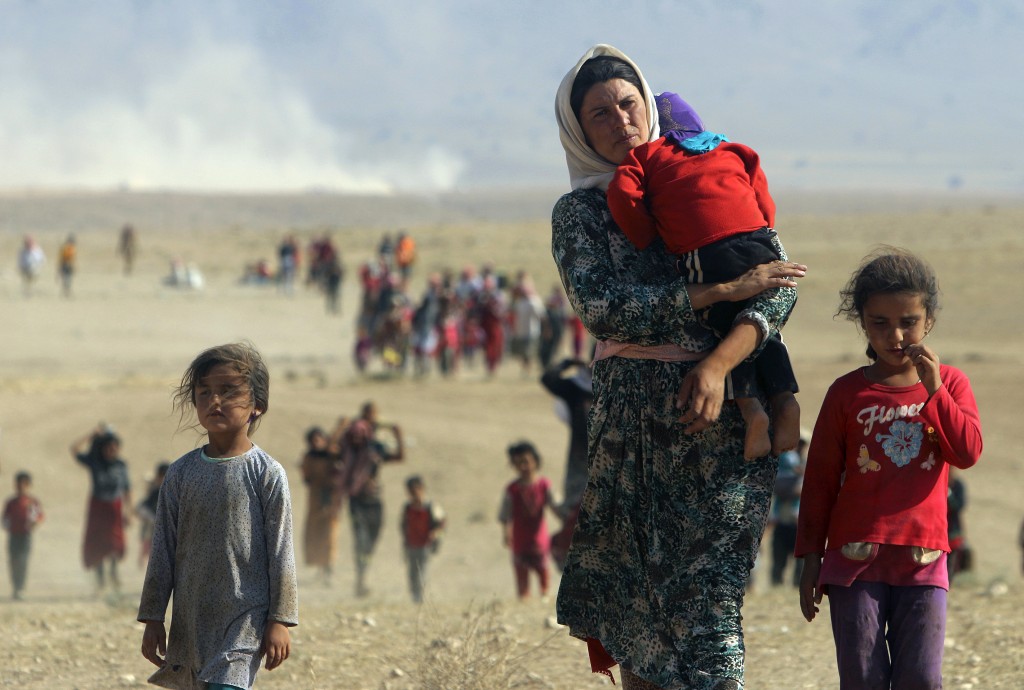
Conflict, violence, or persecution forces families to leave everything behind, often with only minutes to gather what they can carry.
Problem
A refugee may pass through 10–20 organizations, and their records don’t travel with them. Information is lost at every handoff.
Solution
Solace, a system that remembers people. I designed its secure scanner and the app flow that turns paper into a lasting record.
Impact
Won a European Design Award, with 92% task success across 11 usability tests with NGO workers and designers.
Winner of a European Design Award.
01 · The Journey of a Refugee
01
Conflict, violence, or persecution forces families to leave everything behind, often with only minutes to gather what they can carry.
02
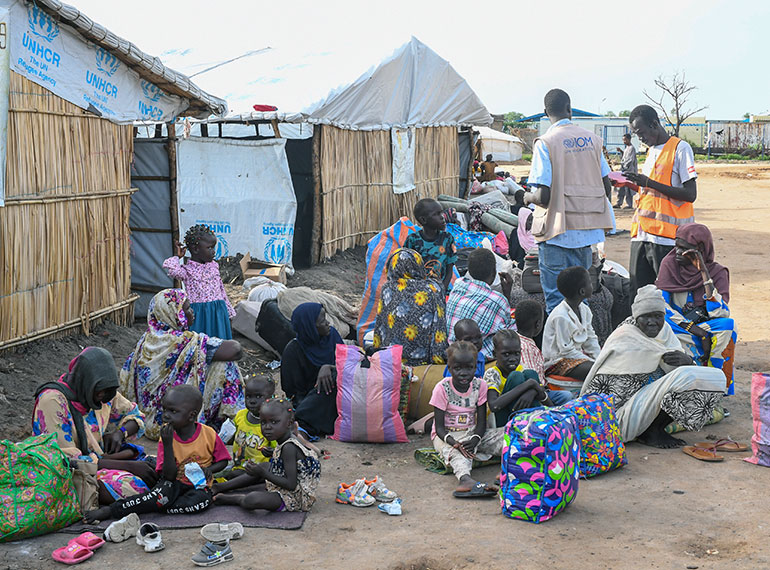
Refugees arrive at temporary transit points where they are registered, screened, and wait for the next step in an uncertain journey.
03
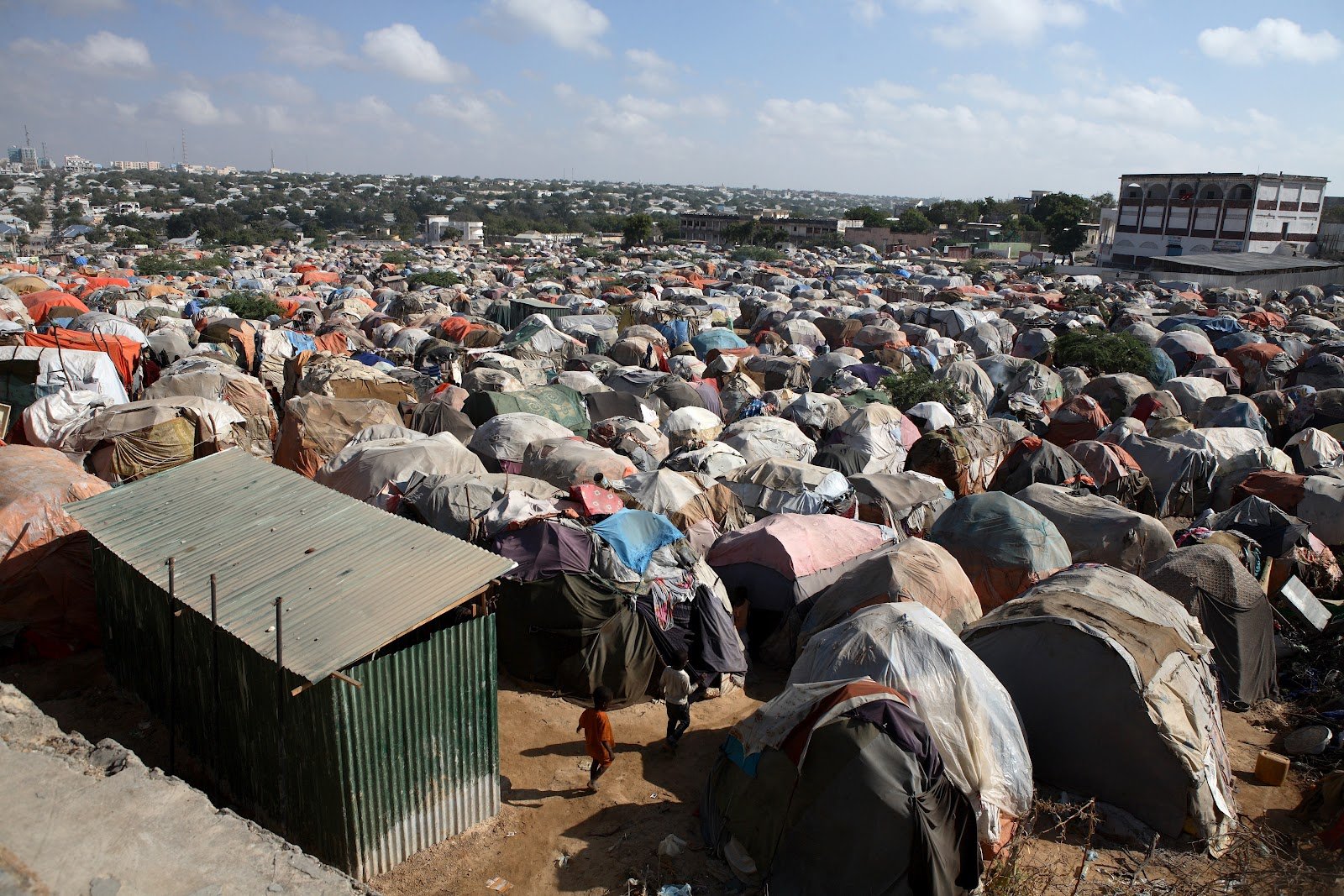
Many spend months or years in camps where basic needs are met, but life remains temporary, crowded, and uncertain.
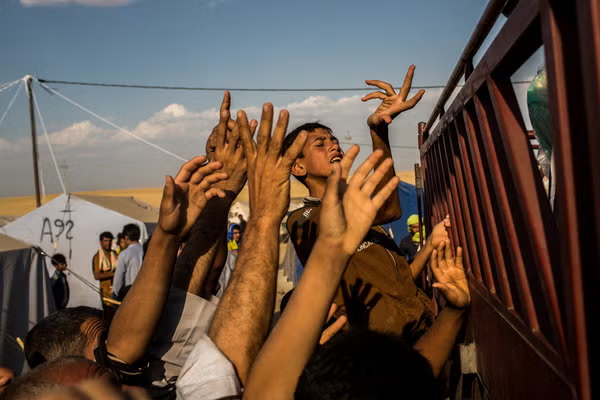
04
Complex asylum and documentation processes decide whether they can stay, move, or rebuild their lives.
05
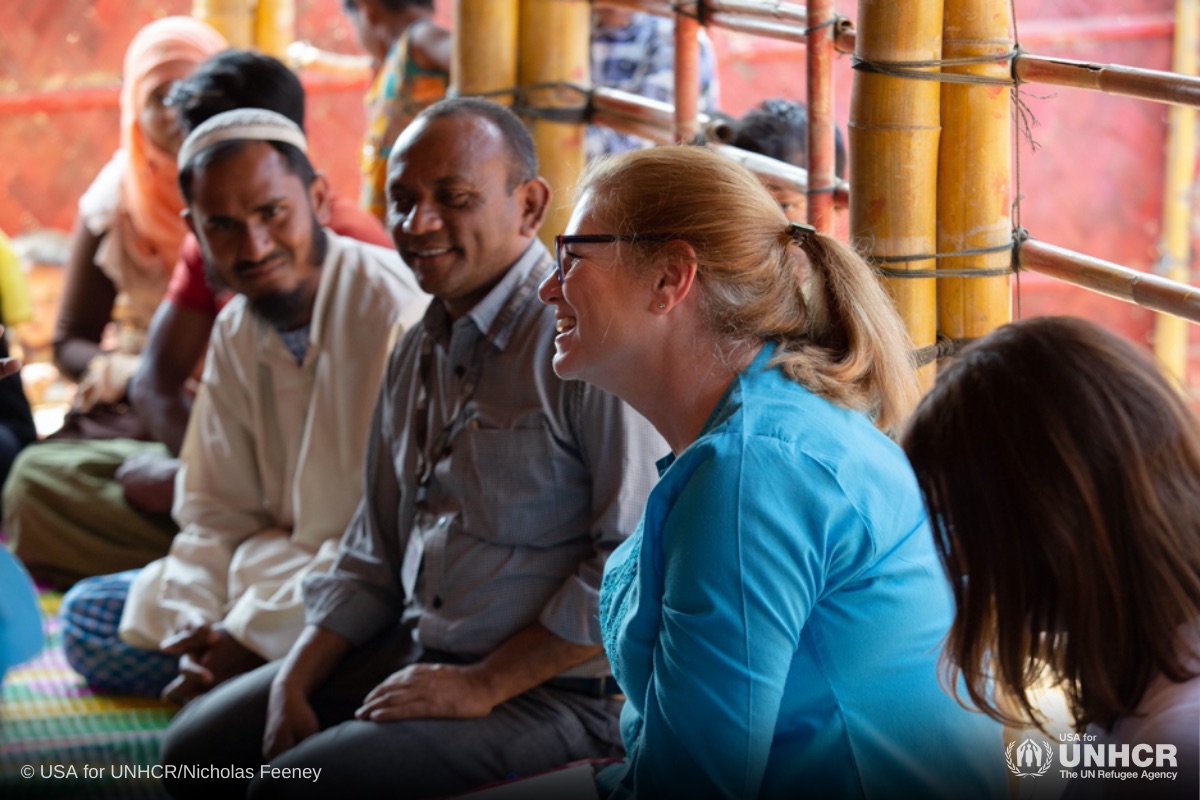
Those granted protection begin again: learning new systems, finding work, accessing services, and becoming part of a new community.
02 · The Problem
UNHCR, Global Trends 2021
UNHCR, Digital Identity & Inclusion 2020
Office of Refugee Resettlement, 2023
03 · Research Insights
30% of field operations still run on paper, and there’s no shared NGO database, so coordination breaks at every handoff.
Displacement lasts 20+ years on average, yet most programs run on 12–24 month funding cycles.
60–80% of refugees live outside camps, in systems that legally limit the agency they’re expected to show.
87% of caseworkers feel overwhelmed. The system protects beneficiaries, not the people holding it together.
Data lacks interpretation and ownership, so refugees find services through word of mouth, not databases.
Systems depend on disclosure in environments where disclosure is unsafe.
“Data, information, and coordination, that’s where everything breaks.”
“The success of this system isn’t whether it collects data. It’s whether it protects people while strengthening the systems meant to serve them.”

So we reframed the problem
How might we ensure a refugee’s identity and critical information remain intact and trusted as they move across borders and organizations over time?
04 · Introducing Solace
Solace is a three-part continuity ecosystem: a secure ID, an intelligent document scanner, and an integration platform. It captures identity, preserves case history, and connects refugees to services from intake through integration. It doesn’t replace existing systems; it connects them.
Capture
Turn messy, paper-based identity and case information into structured, standardized data at the very first contact.
Delivered by the S-Scanner
Preserve
Bind every scan to a persistent, encrypted identity, so a refugee never “resets to zero” at the next agency.
Delivered by the S-ID and Solace Core
Connect
Turn preserved identity and history into real-world access: services, handoffs and follow-up that don’t get lost.
Delivered by the Solace App and platform
Together, they build a system of
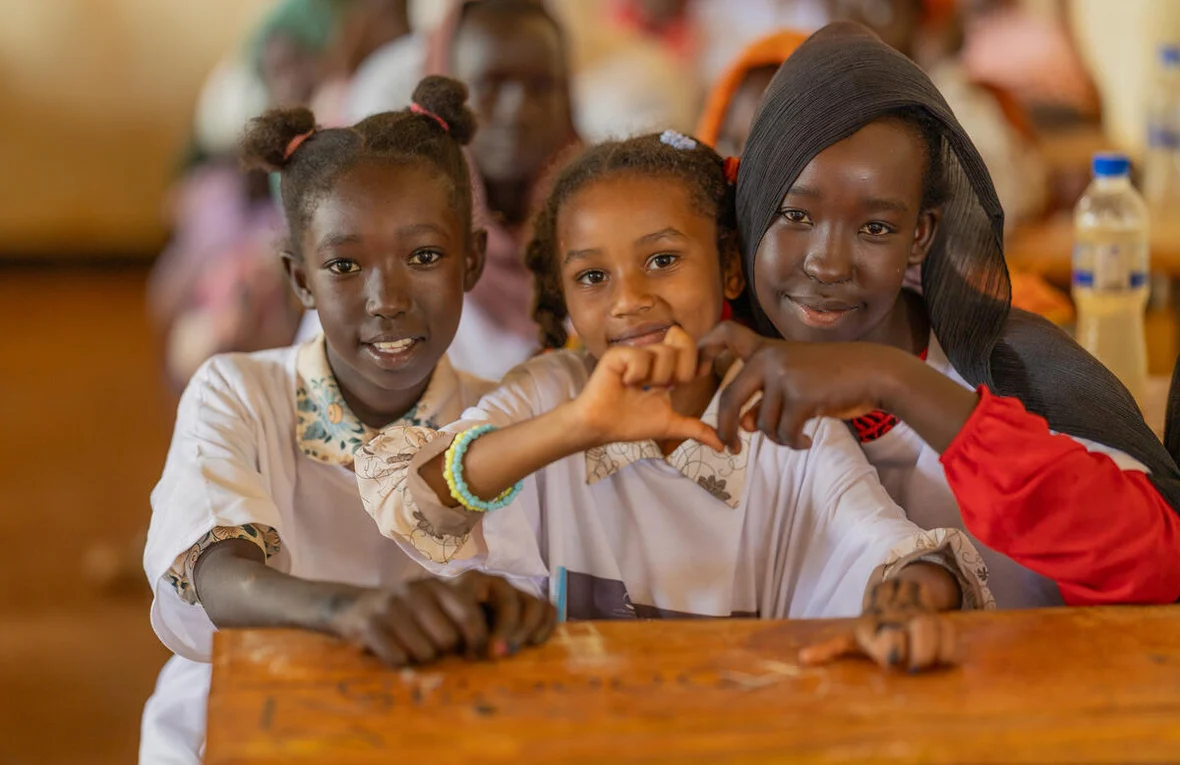
Biometric access, an immutable audit log and data that’s designed against harm mean refugees and caseworkers can rely on the record.
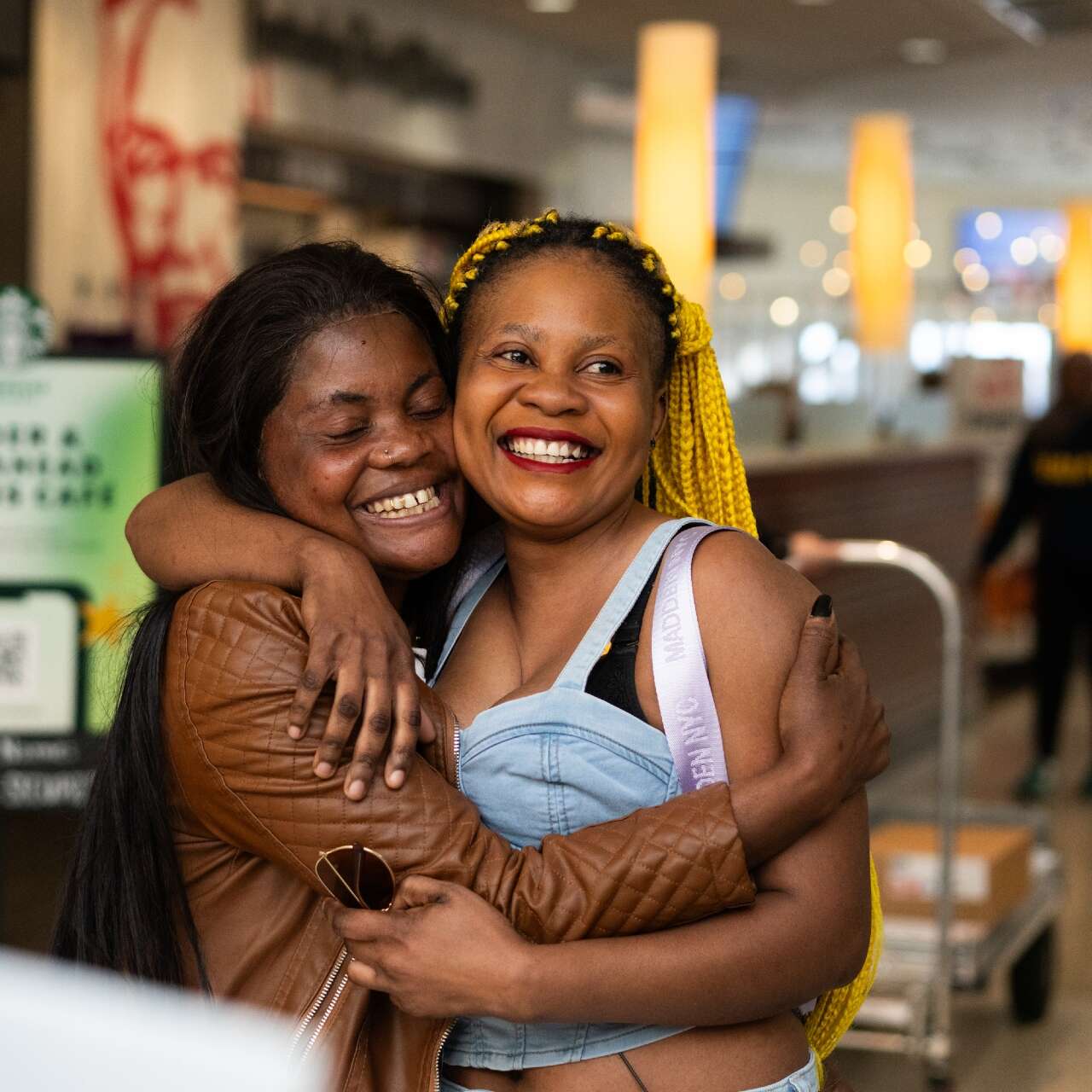
Confidence scores, visible flags and clear ownership at every stage show what’s known, what’s uncertain, and who acts next.
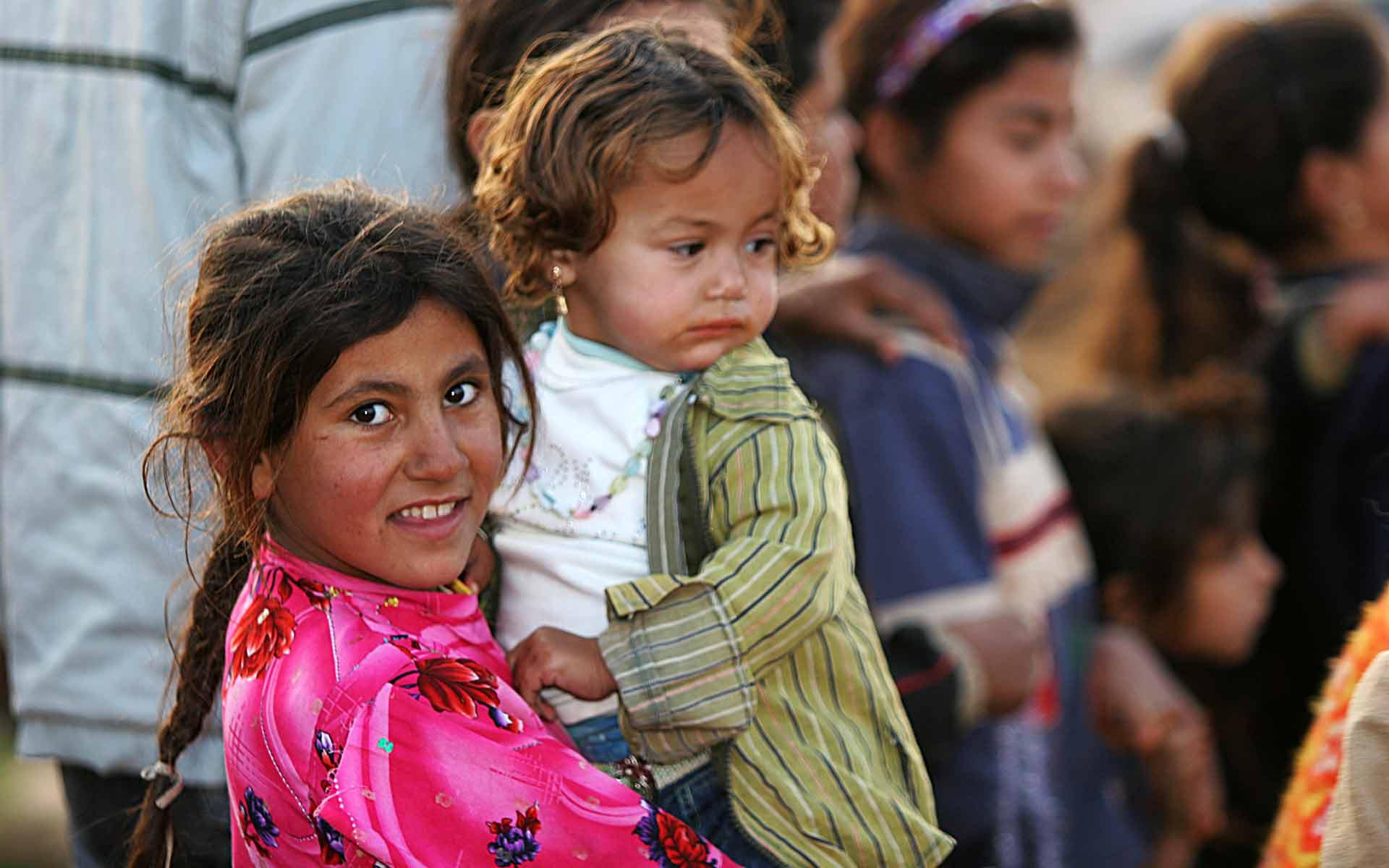
A history that travels with the person, so no one has to prove their life from memory again.
05 · S-Scanner
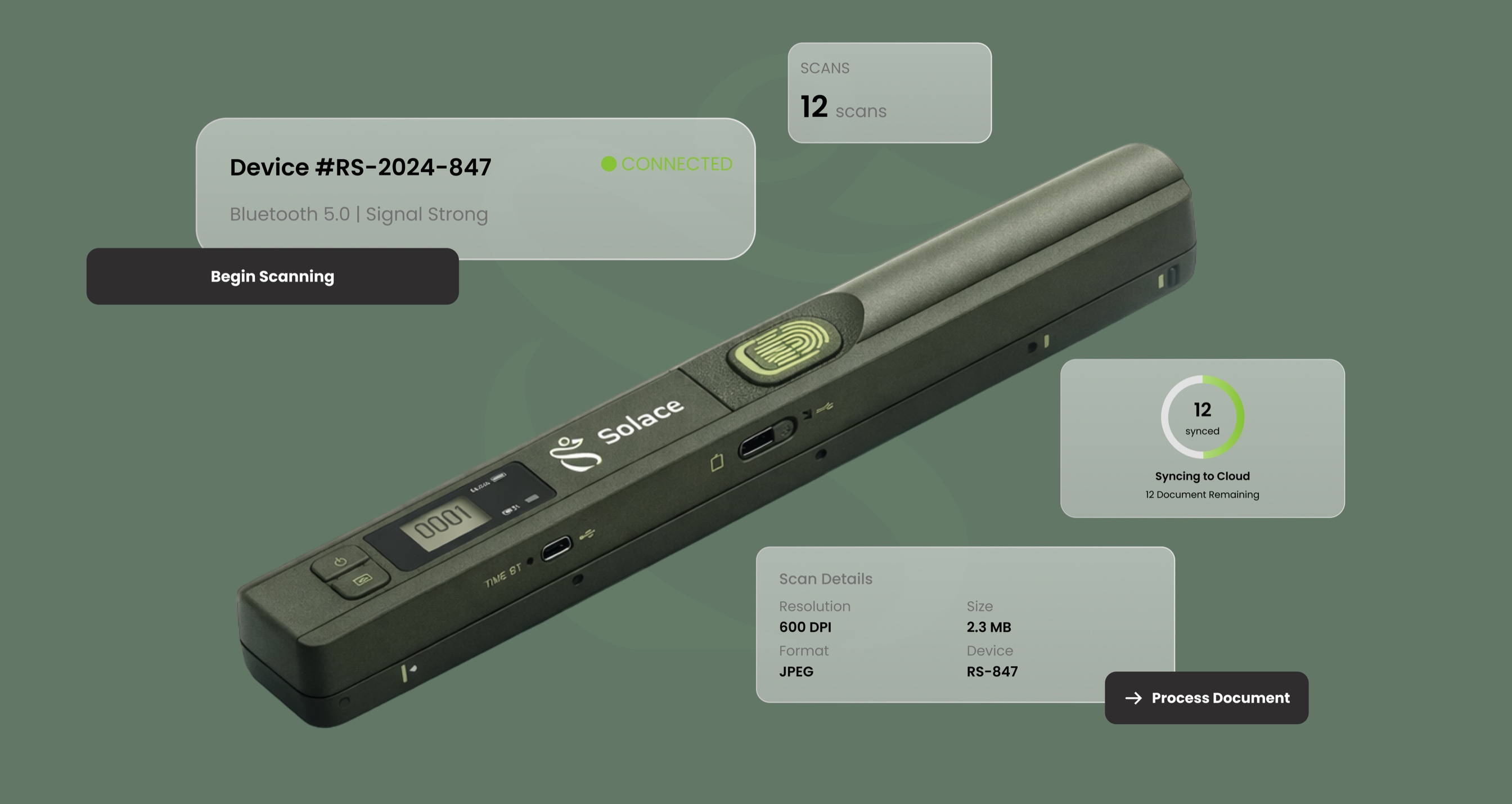
A secure, portable intake scanner that transforms physical refugee documents into a verified, interoperable digital identity record, used at transit centers and in legal processing.
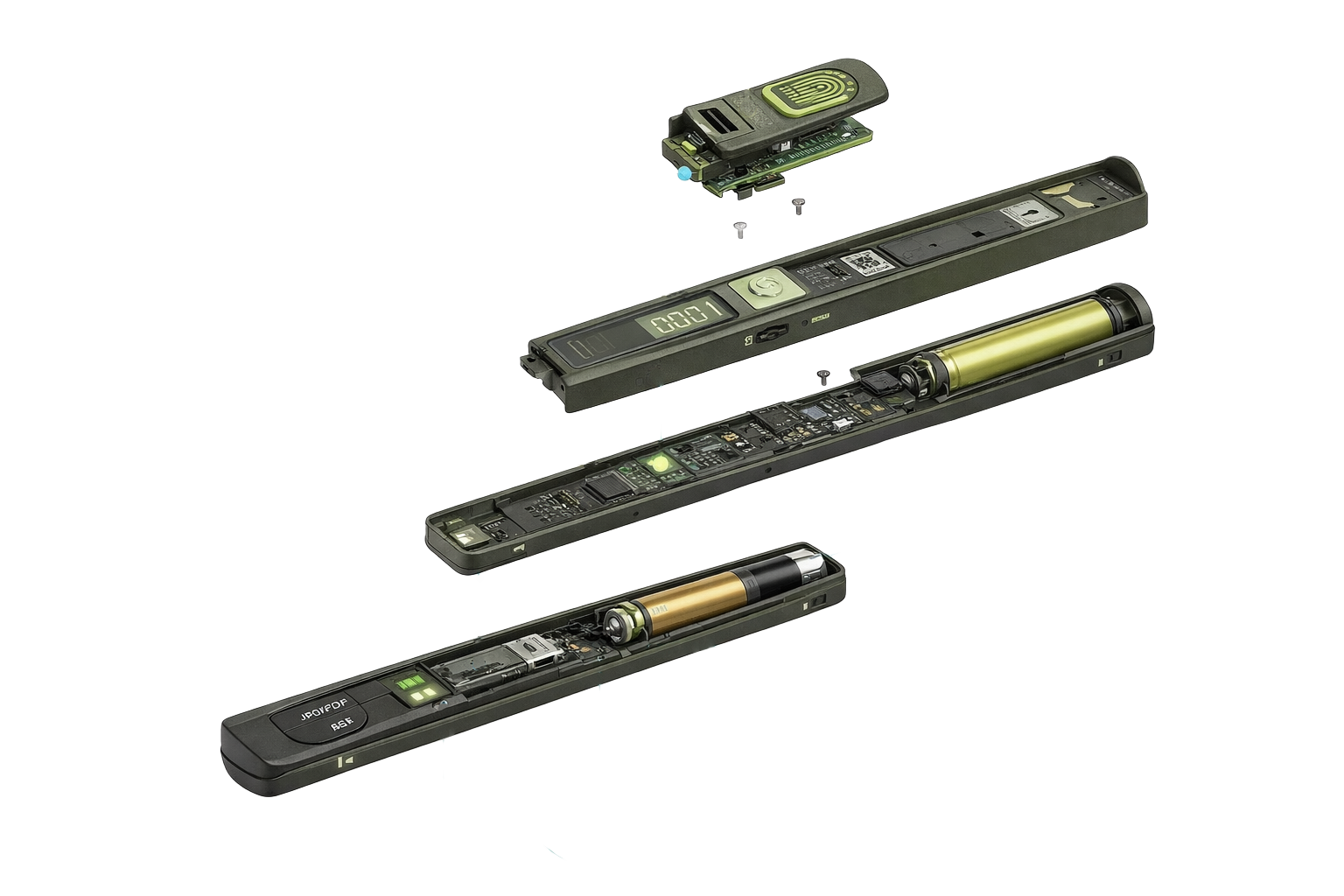
Tap a part
No intake starts, and no stored scan unlocks, without biometric authentication. A green LED shows an active scan.
Long-press to power on, tap to scan. Built for gloved, hurried hands.
Counts scanned pages, so nothing is missed in a batch.
Wired, or Bluetooth 5.0 up to 10m, with the image in the app in 2–3 seconds. Offline, it stores up to 5,000 scans.
Switch formats for photos or multi-page records. Rechargeable lithium-ion battery.
2″D × 11″W × 1.5″H · weather-resistant, dust-sealed, impact-resistant · builds on proven iScan 900 technology
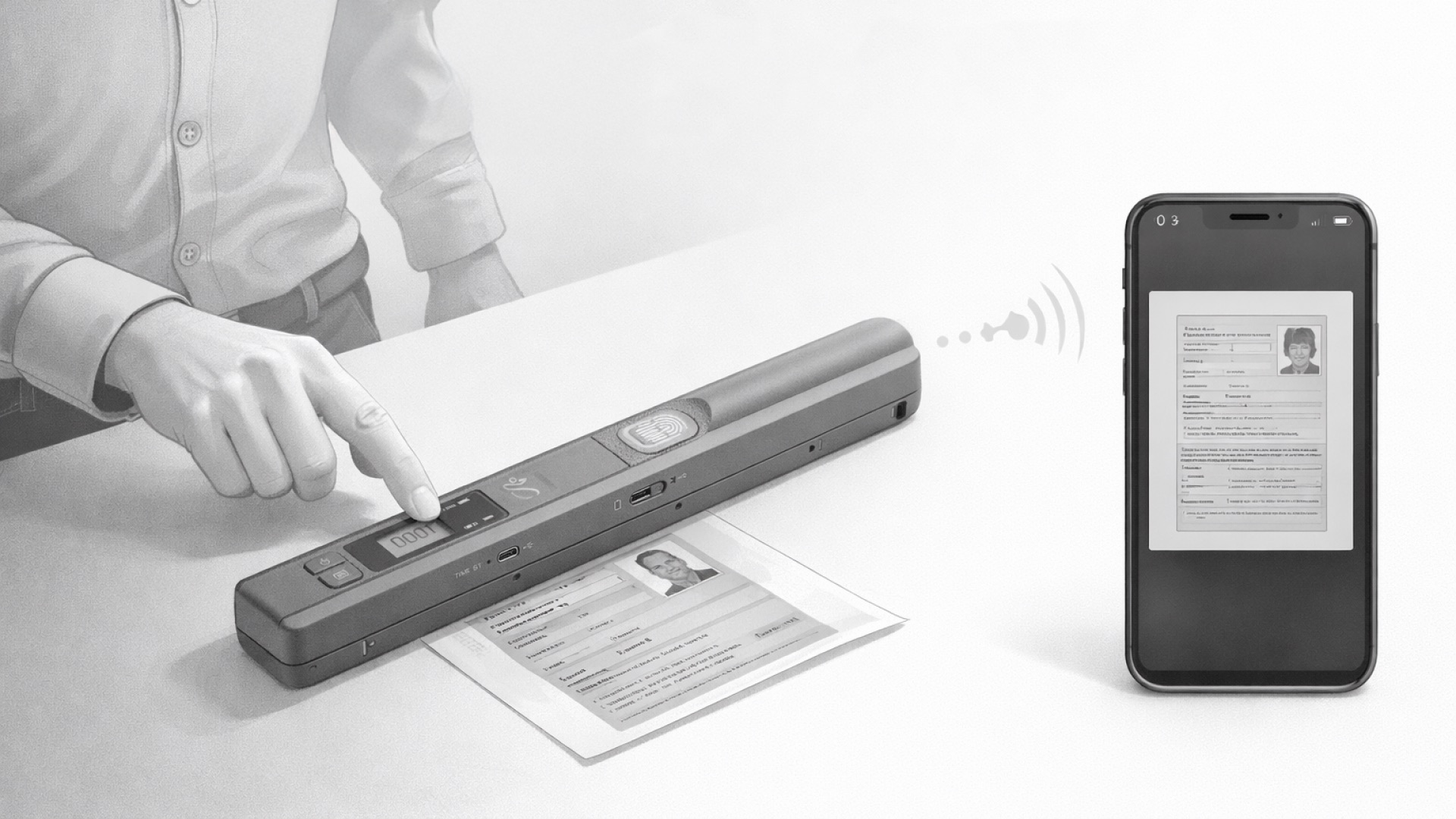
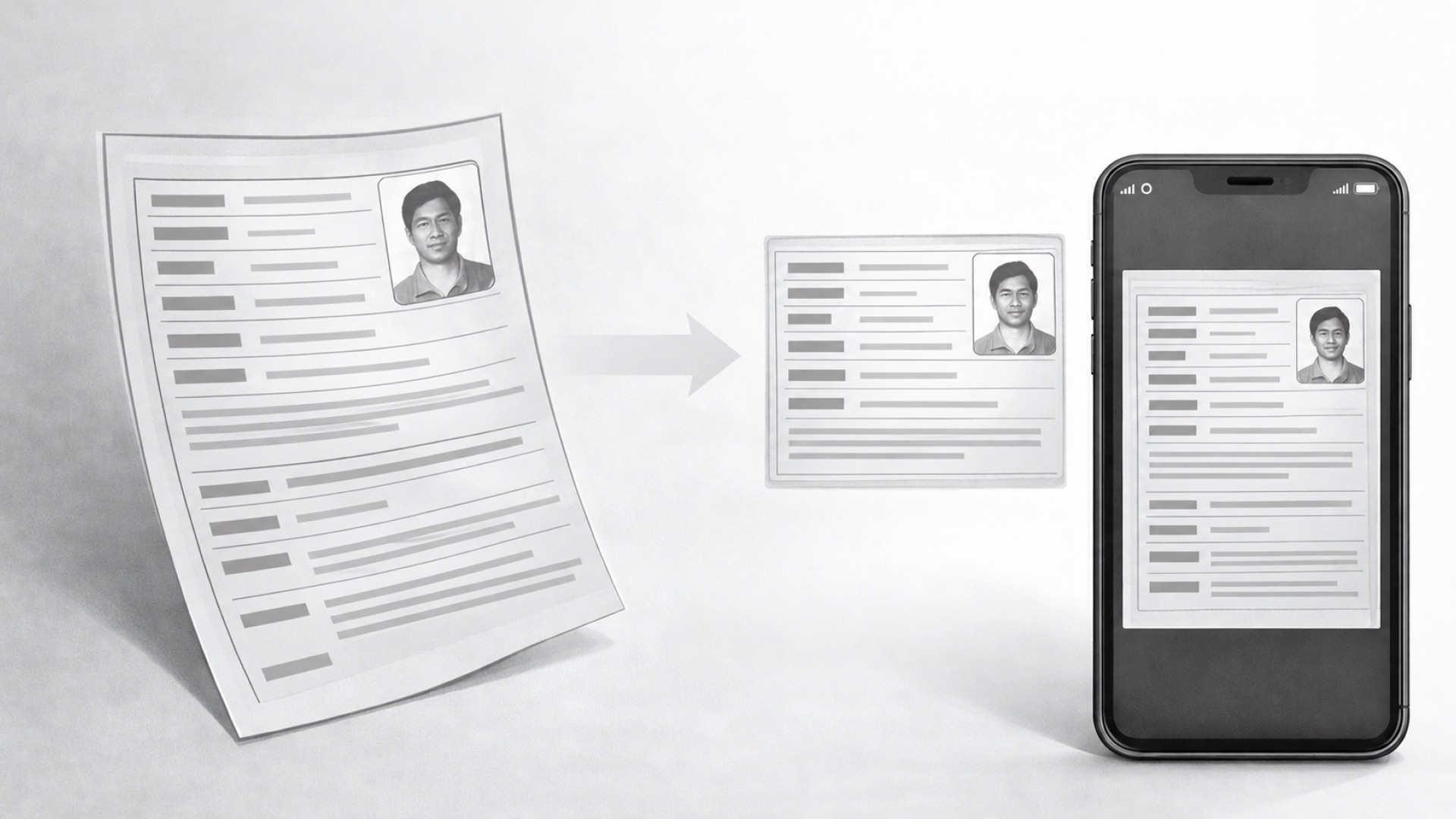
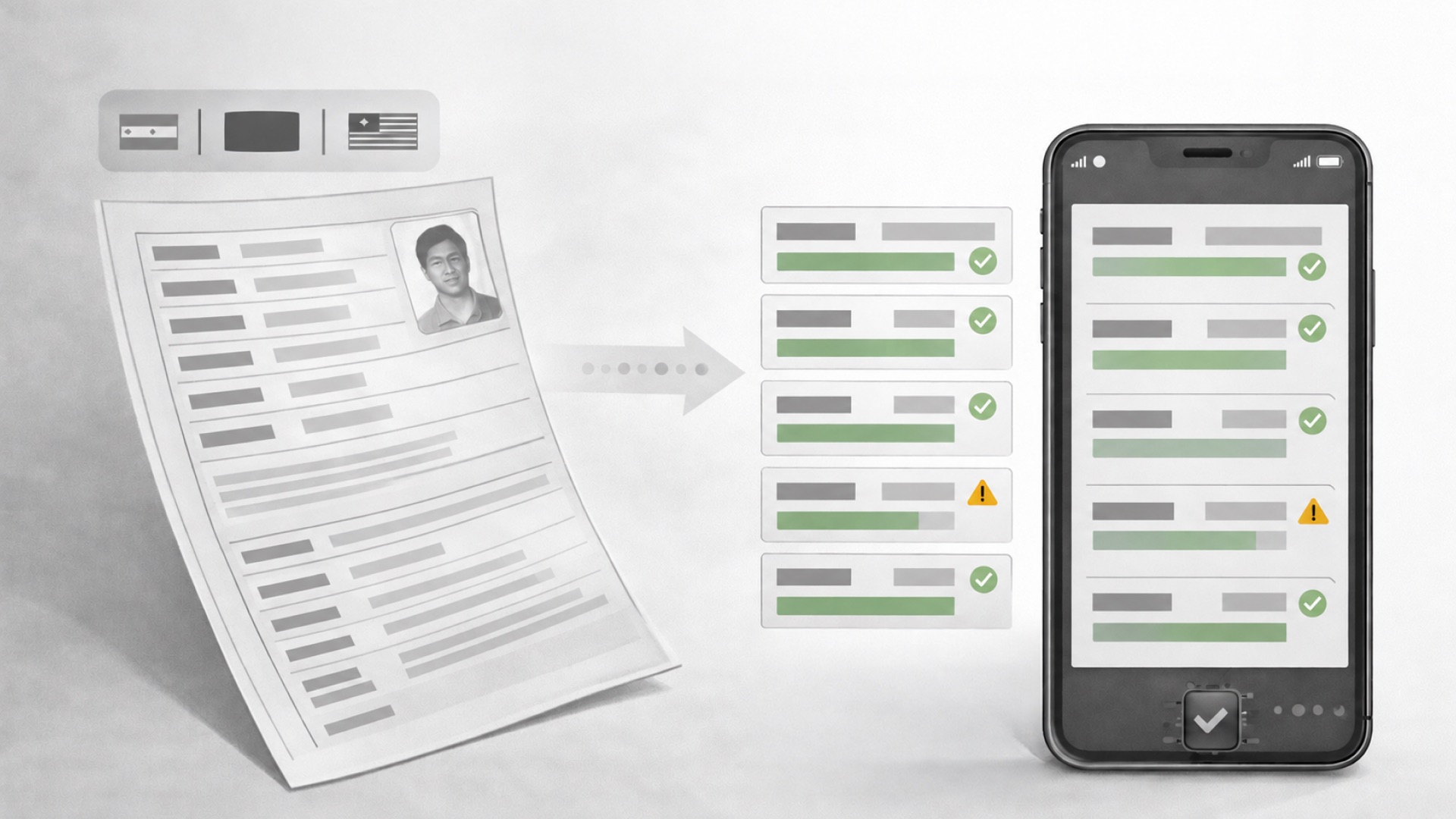
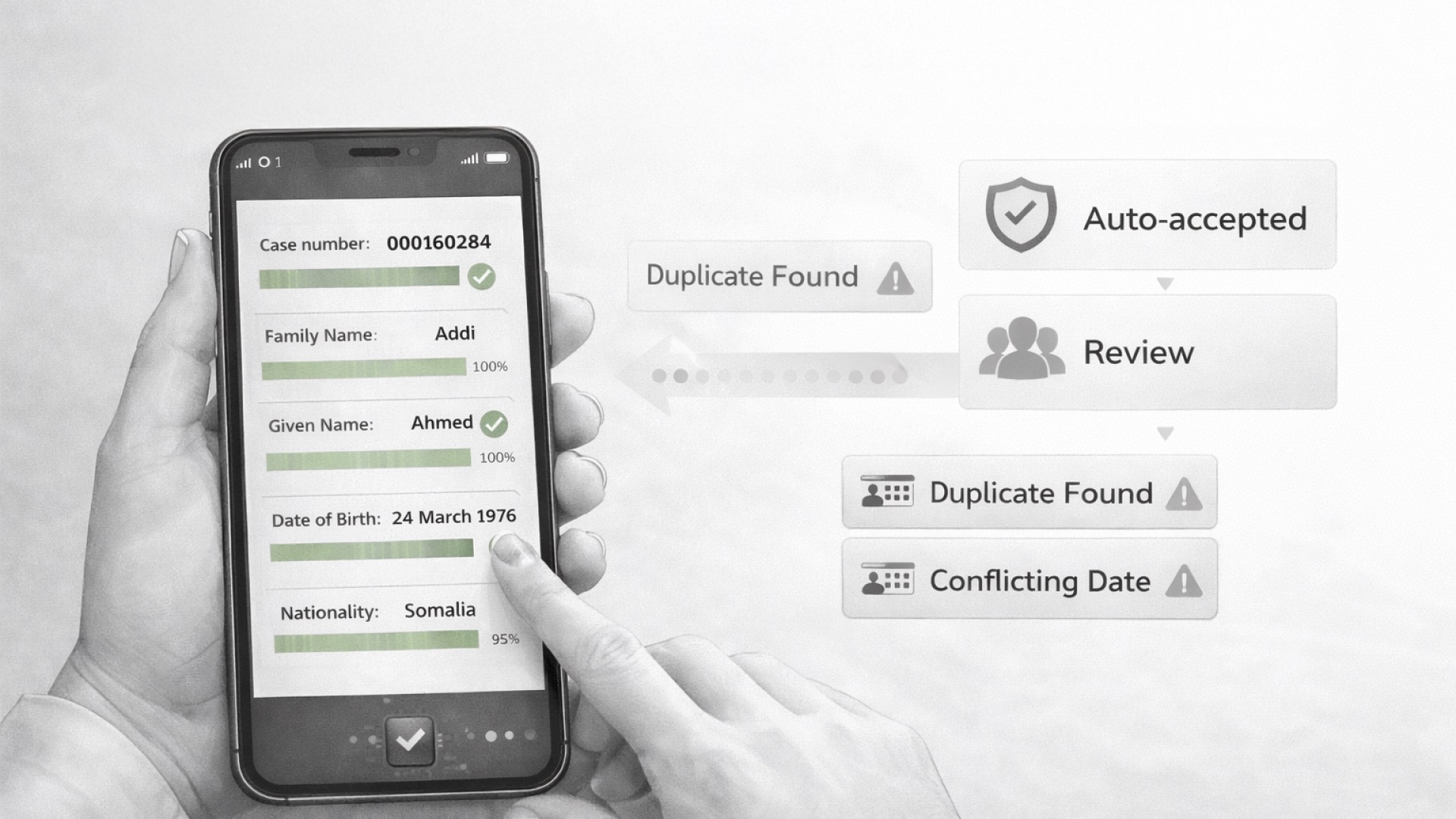
From a crumpled document to a verified record, in five steps, even offline.
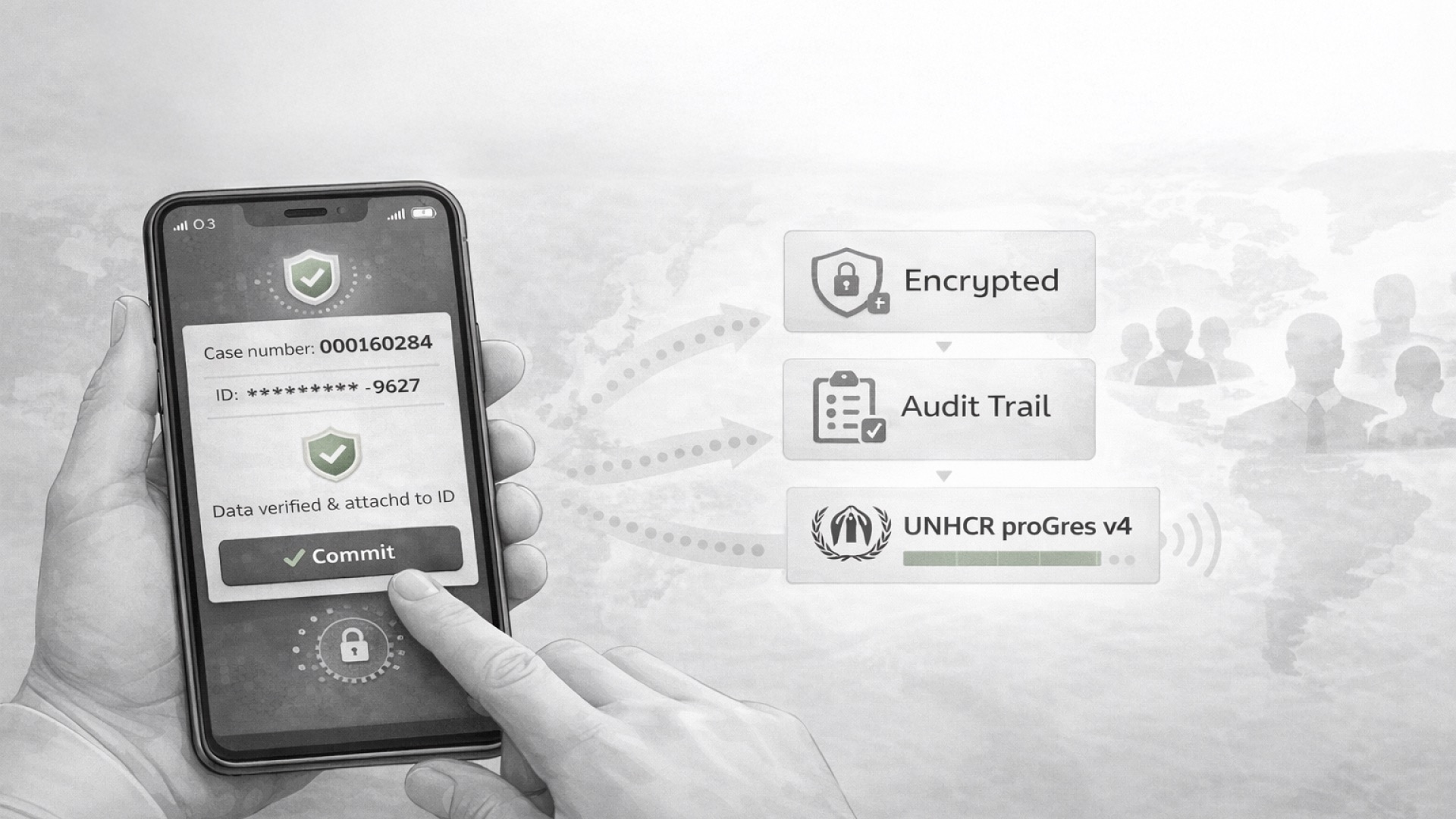
AI-generated imagery
The caseworker picks the document type, places it in the scanner and presses capture. The scanner checks lighting and edges, then sends the image to the phone, even offline.
It straightens the image, enhances faded text, and removes glare, shadows and noise.
It detects the language, pulls key fields (name, date of birth, nationality, case number), and uses AI to correct errors and score its confidence.
High-confidence fields are accepted; uncertain ones go to a person. Duplicates and conflicts are checked, and the higher-authority document wins.
The data attaches to the person’s S-ID, the original is encrypted, an audit trail is written, and it syncs when there’s signal.
Every extracted field gets a confidence score. Drag to see where a field goes.
Committed straight to the record.
Highlighted for review. It can’t be skipped.
Sent to an expert reviewer, with a four-hour target.
06 · Solace App · My Scanner Flow
A caseworker app that pairs with the S-Scanner to capture, review and securely sync documents to a refugee’s permanent encrypted record.
The problem today
How the UI changes that
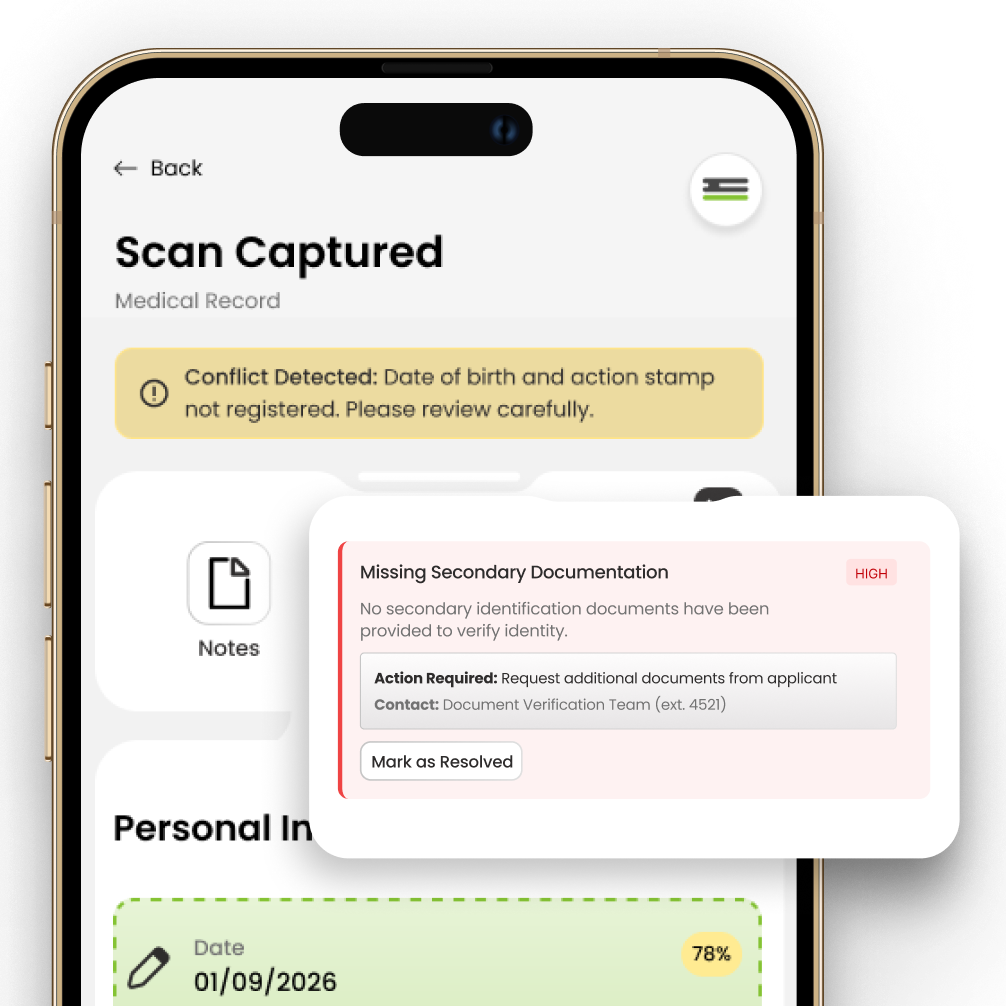
Flags are graded by priority, each with a next action and a contact.
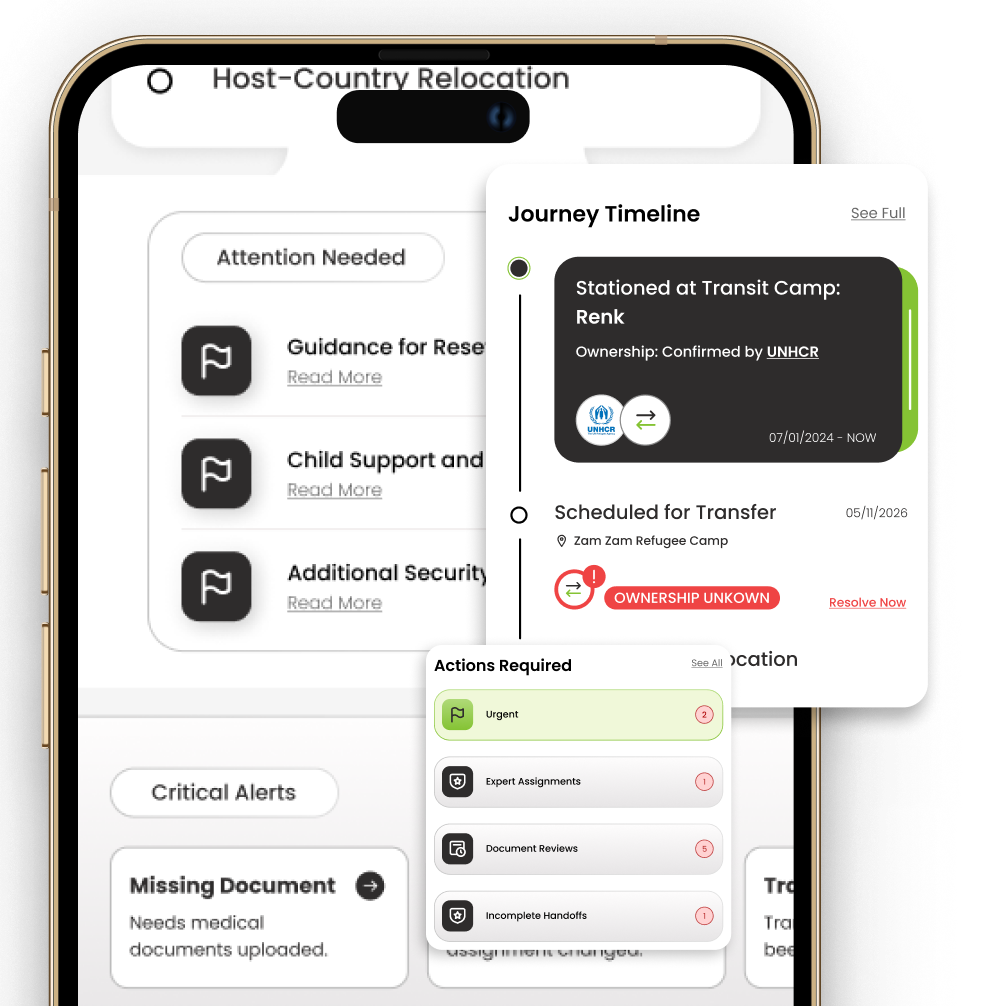
A journey timeline shows who owns the case at each stage, and what needs resolving.
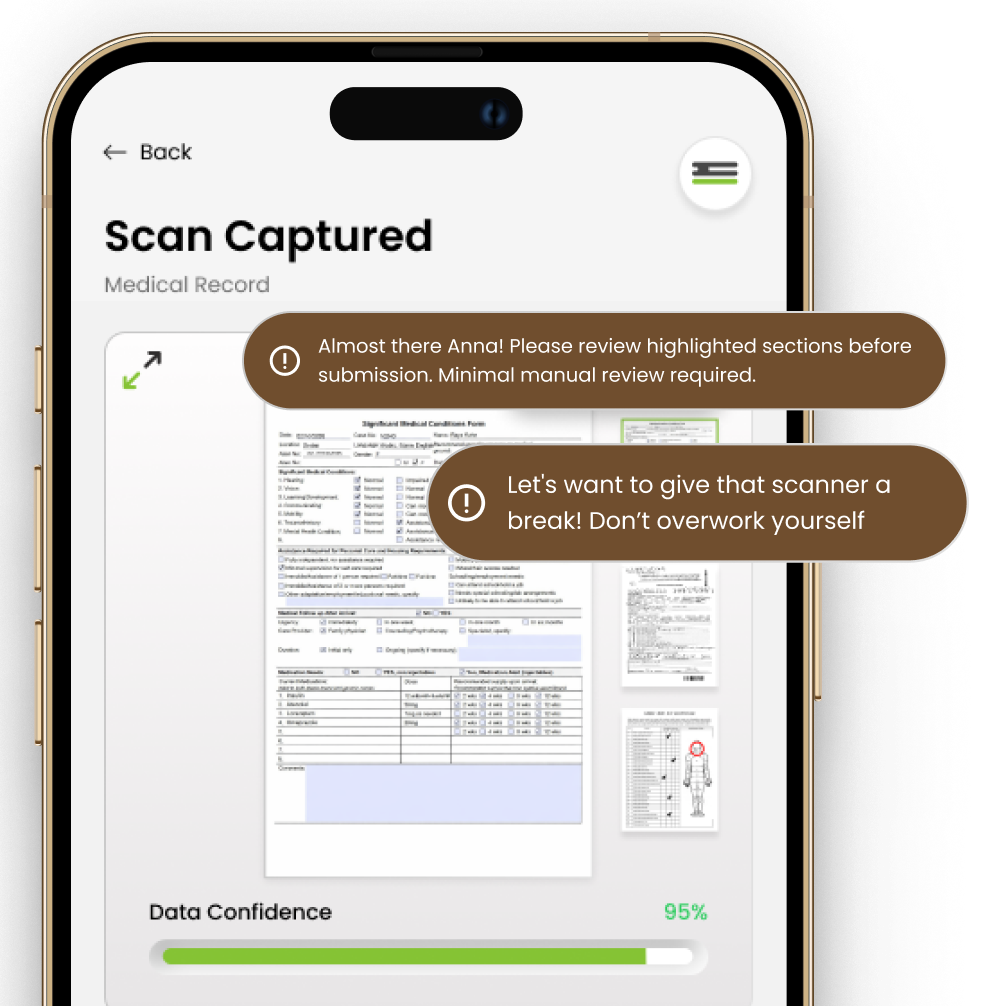
Gentle microcopy: “Almost there, Anna! Minimal manual review required.”
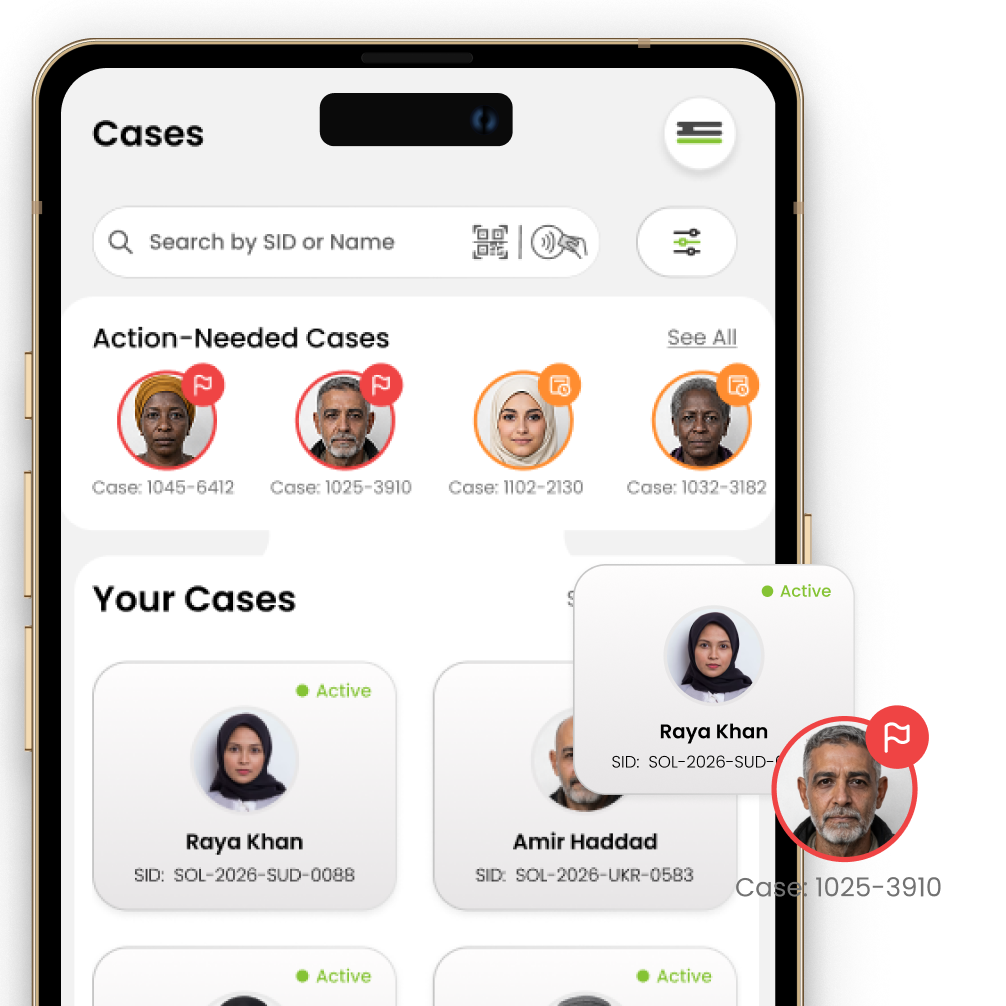
People are shown by name and photo, with their SID, not just a case number.
Meet Sarah, an NGO worker at a transit camp in Serbia. She’s just received a Solace scanner and begins scanning incoming documents.
Sarah pairs the scanner and registers her fingerprint. No one else can start an intake on it.
She picks what she’s scanning, a passport, certificate or ID card, so extraction knows what to look for.
She scans and taps Process document. Key fields are extracted and scored for confidence.
Conflicts are flagged by priority. Notes carry across agencies, and Smart Analysis highlights what matters.
Only the fields with low accuracy need her attention. She corrects them inline, then commits the record.
An overlay slider lets her review each document before final submission, then it syncs when there’s signal.
07 · Testing & Iteration
We ran moderated, scenario-based intake simulations with NGO workers and designers, watching for errors, hesitation and how clear the status indicators were.
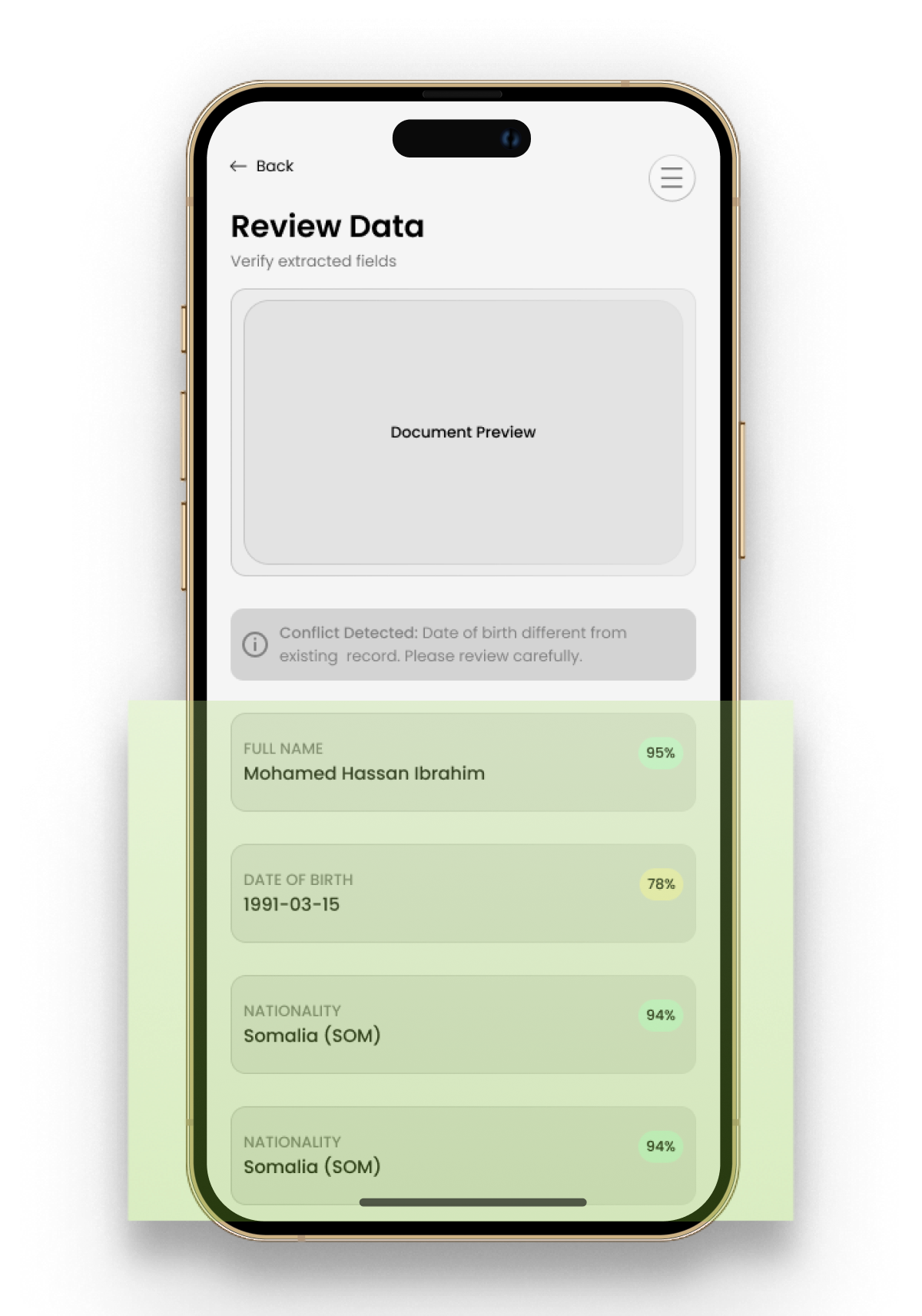
Full document previews buried the fields caseworkers actually needed to check.
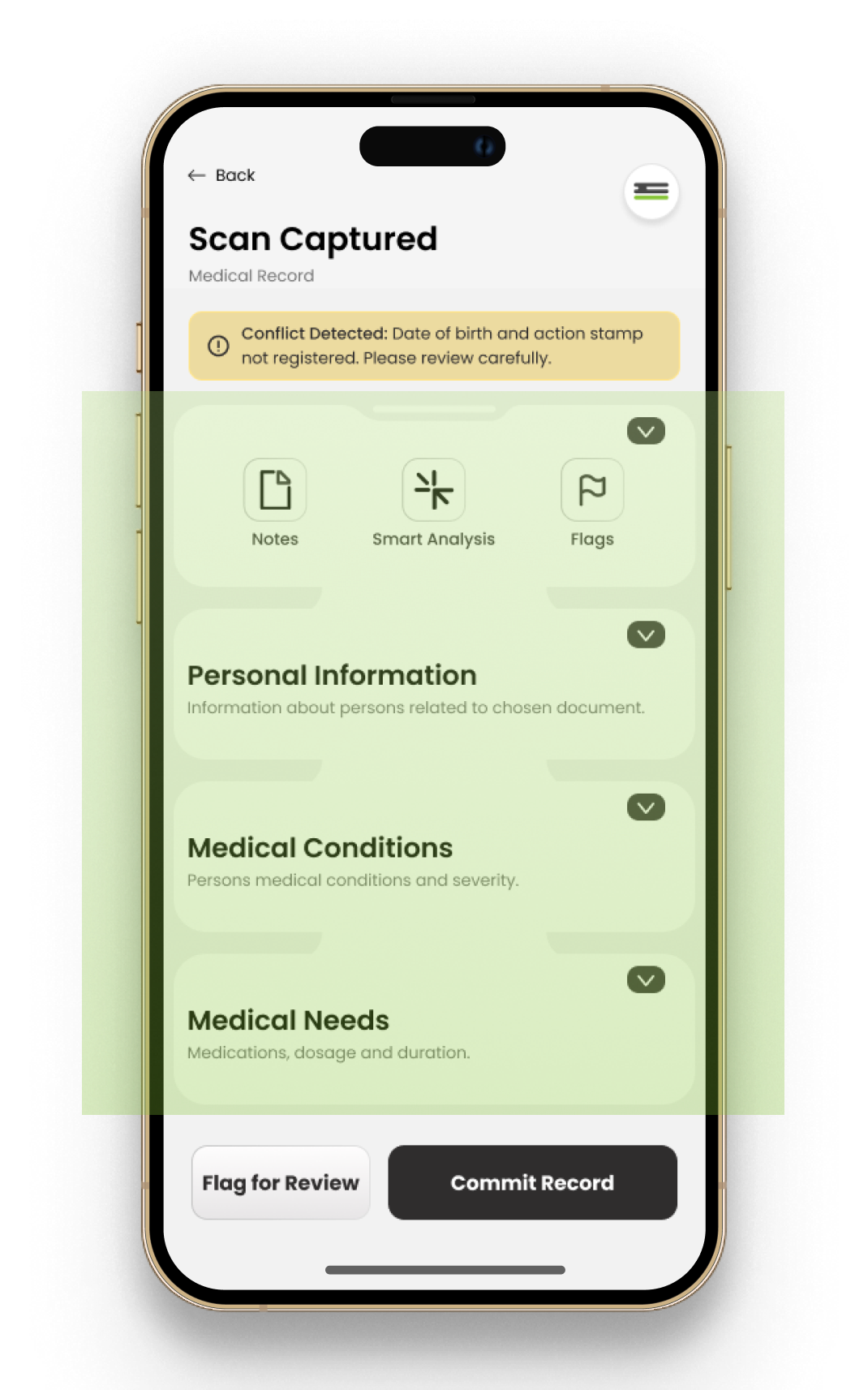
Collapsible sections, inline editing, confidence indicators and conflict flags.
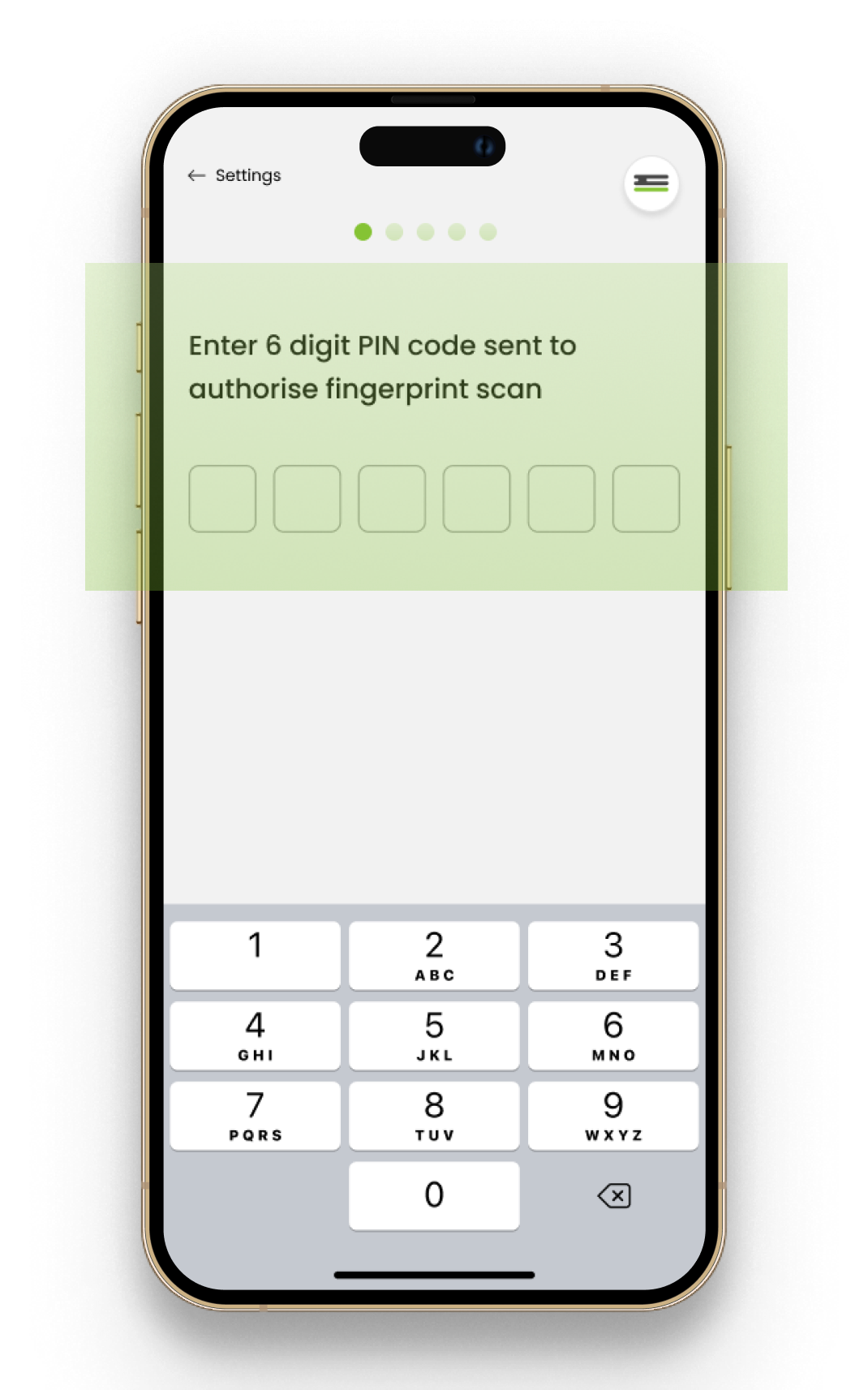
Workers shared one PIN, so anyone could open a record. That’s a security breach.
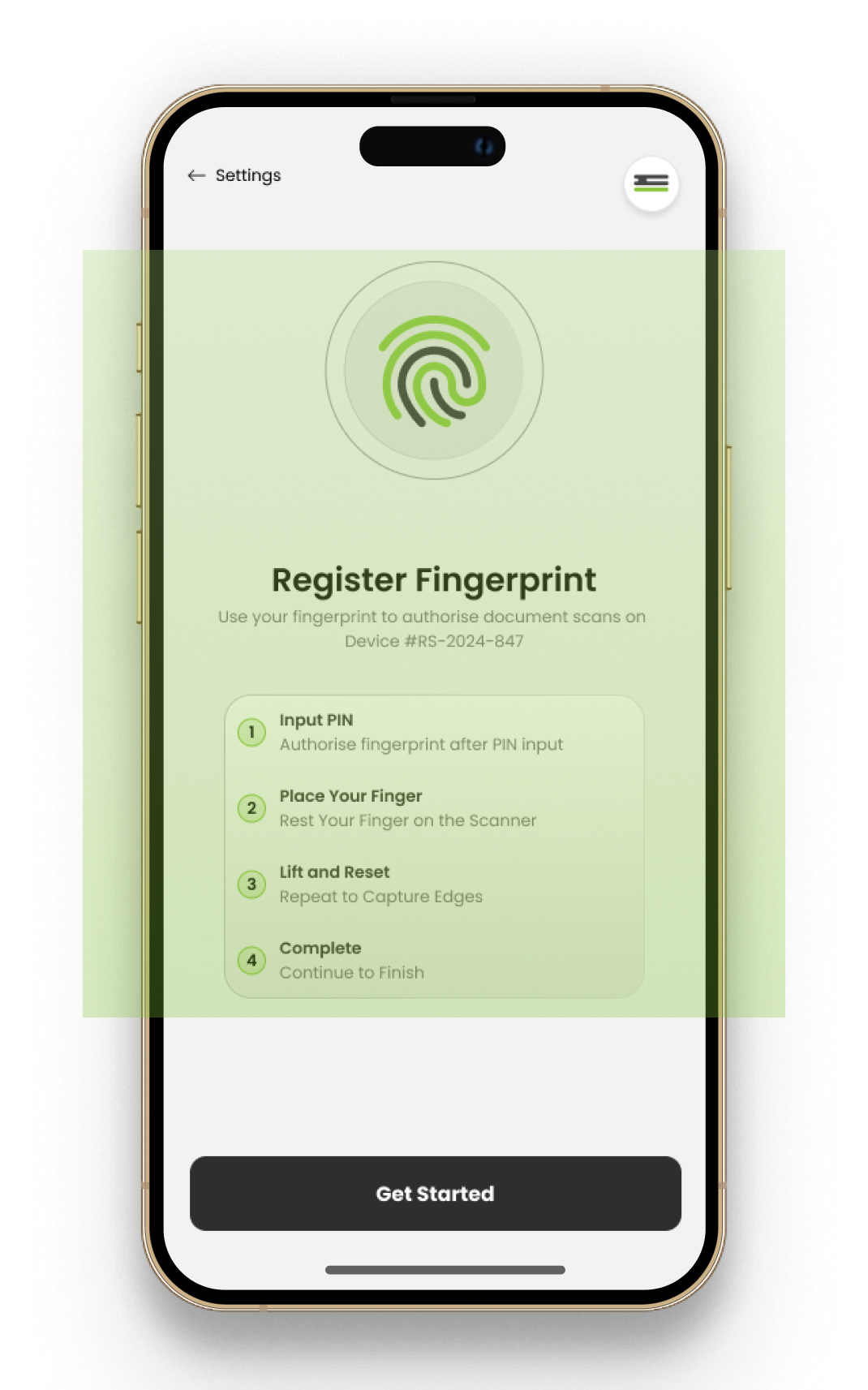
Fingerprint is now the way in, with the PIN kept only for recovery.
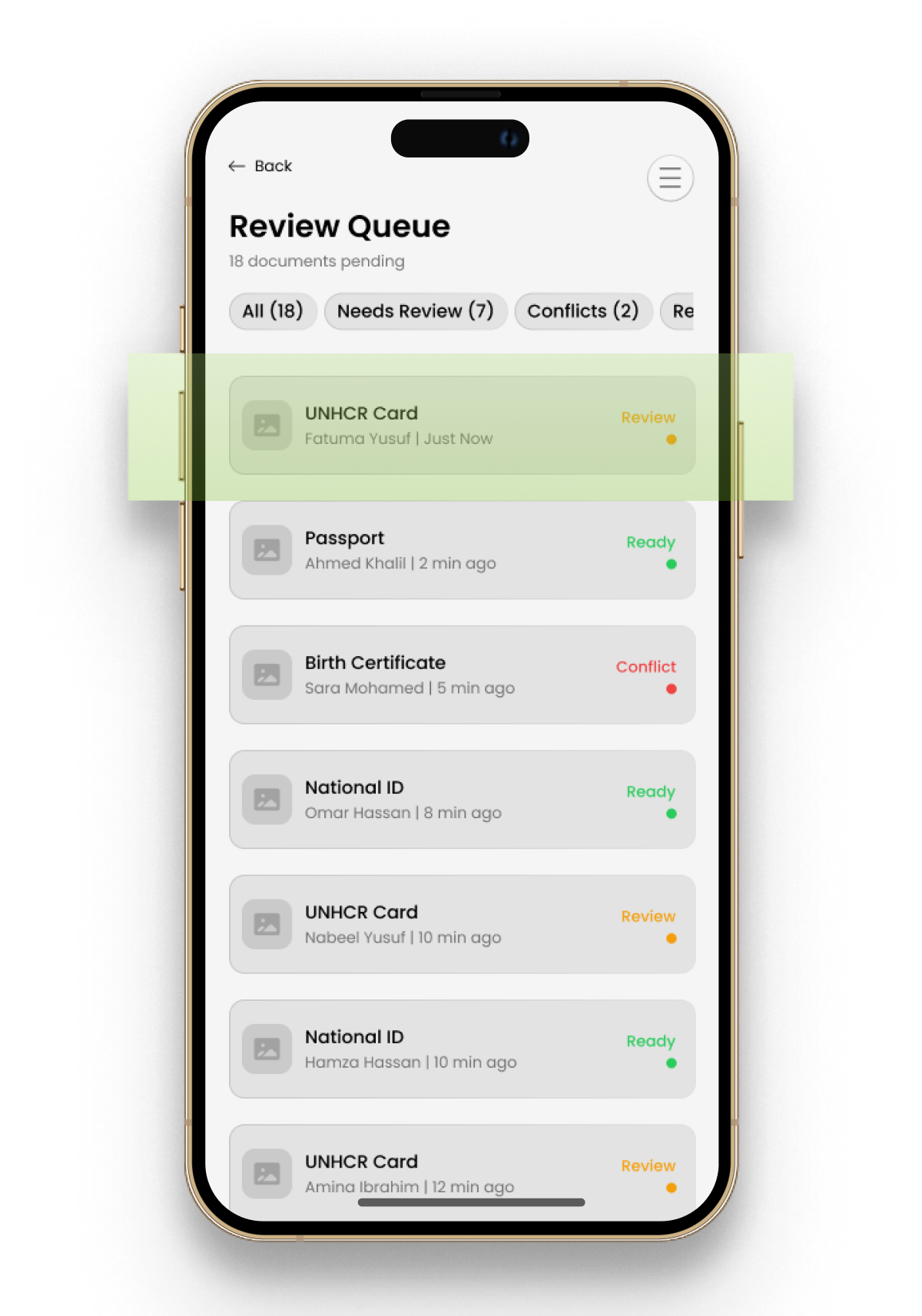
Caseworkers couldn’t see what a document held before submitting it.
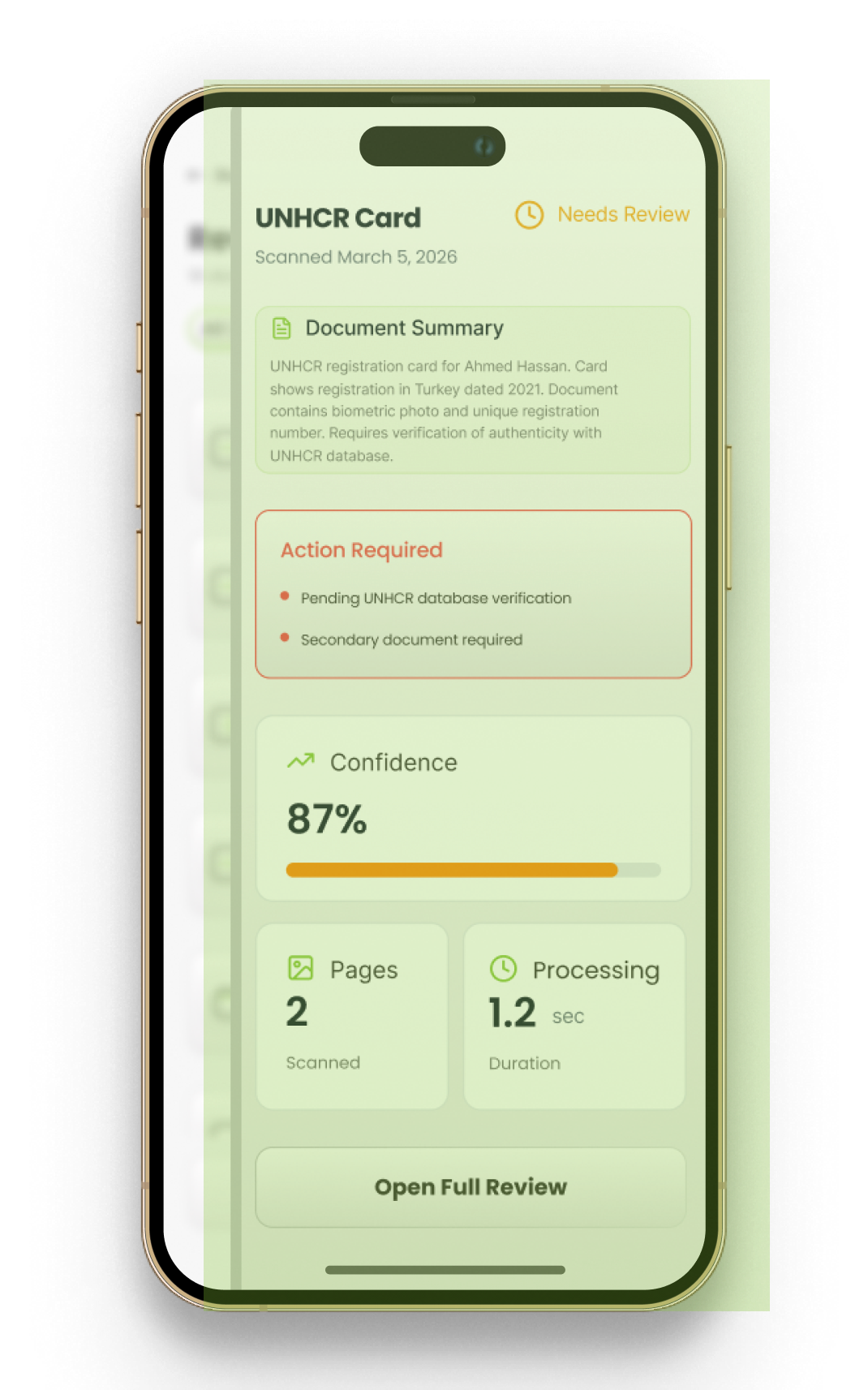
Each document now shows a summary, the actions required and a confidence rating before it’s submitted.
08 · Learnings
01
What I saw
Refugee resettlement is a highly complex ecosystem, and the breakdowns live between organizations, not inside them.
What I learned
Breaking the system into its parts revealed the gaps worth designing for.
02
What I saw
A single scanning workflow didn’t work for every connectivity and volume situation.
What I learned
Effective solutions must adapt to real conditions, which is why the scanner has two modes.
03
What I saw
Caseworkers under pressure needed clear steps and progressive disclosure, not more features.
What I learned
Simple, human-centered workflows are often more impactful than complex technology.
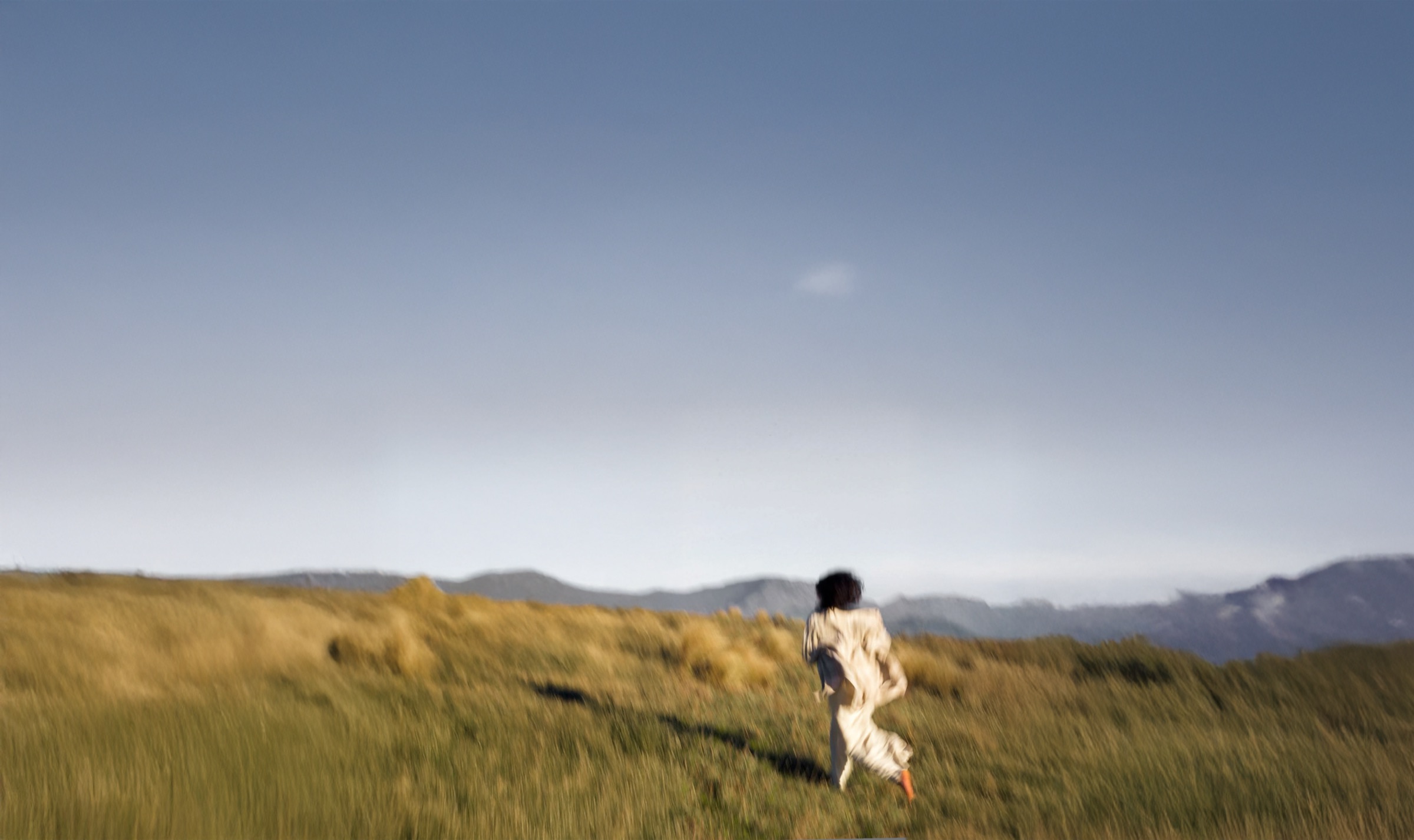
Build a system that doesn’t forget people